Your USAP membership is set to expire before the tournament dates. Here are two ways for you to renew your membership to be able to register for your sanctioned tournament. You must be logged your account at https://usapickleball.org/
1. You are not signed up for automatic renewal
If you are not signed up for automatic renewal you can renew your membership through the following link: Renew Now
2. You are signed up for automatic renewal.
You will need to cancel your automatic renewal before you will be able to renew your membership today.
If you log into your membership at usapickleball.sport80.com, choose "View Profile," then "Individual Membership."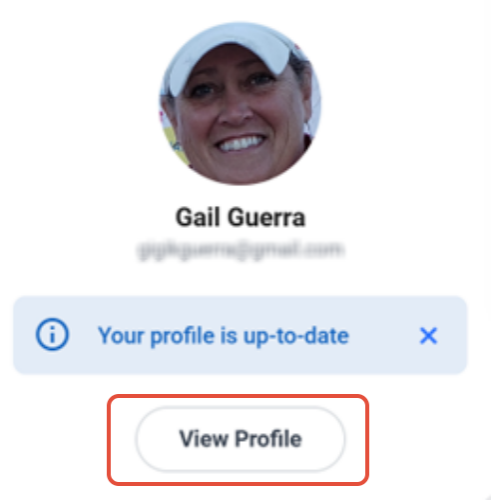
Then click on “Individual Membership”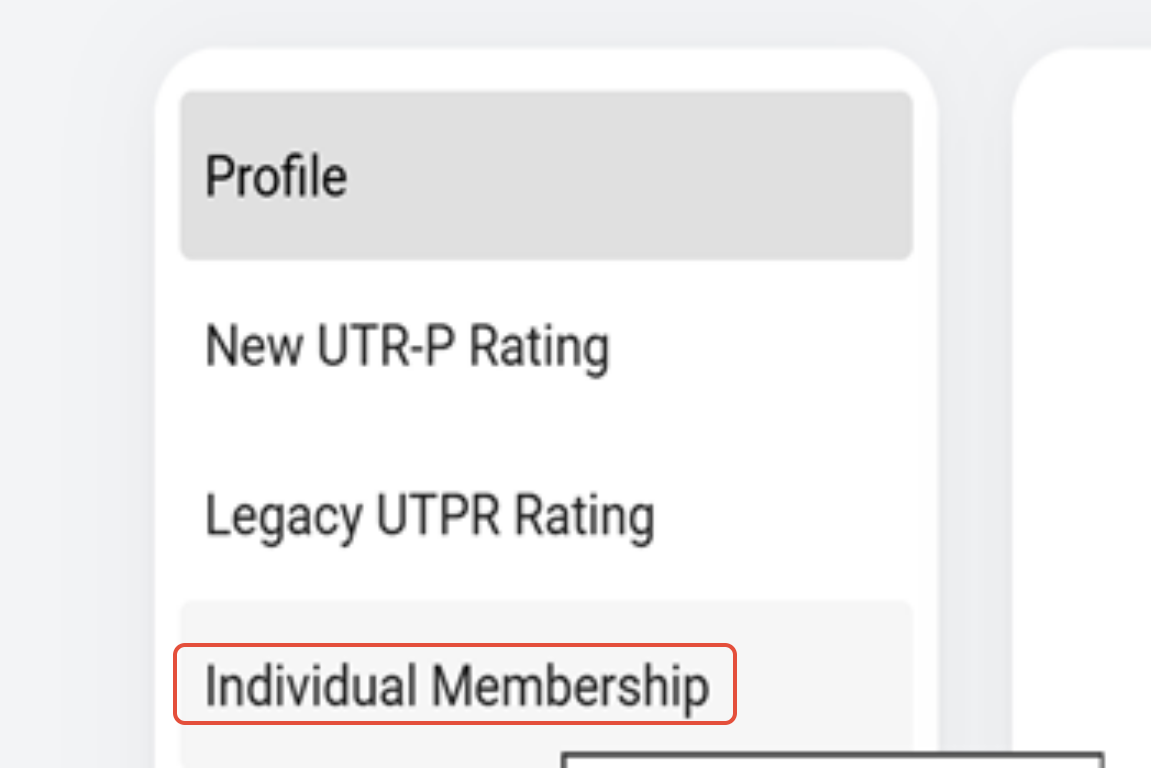
From that page, scroll to the far right to click on the three dots your membership, and cancel your autorenewal.
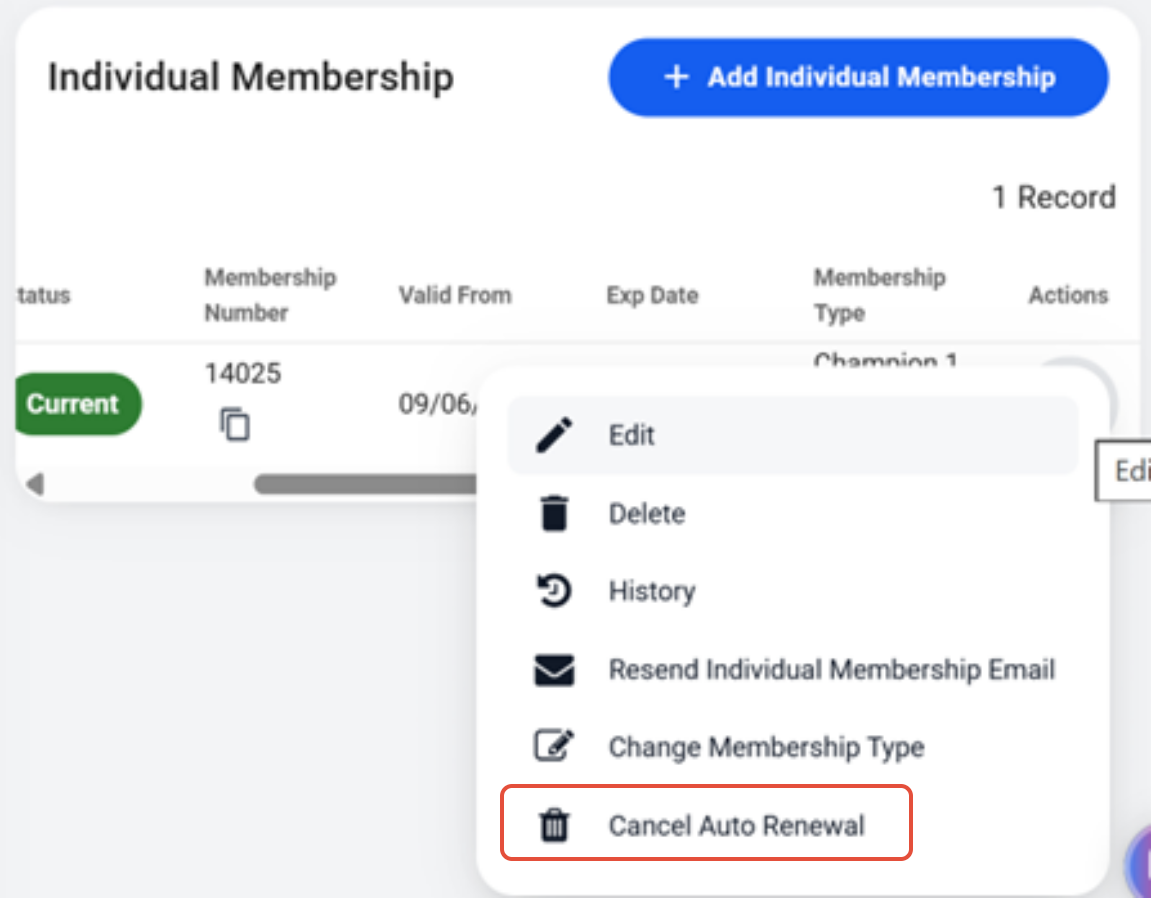
Then if you click on your membership again, it will give you the option to "Renew."
After that if you follow the prompts and checkout, you will be able to extend your membership.
Was this article helpful?
That’s Great!
Thank you for your feedback
Sorry! We couldn't be helpful
Thank you for your feedback
Feedback sent
We appreciate your effort and will try to fix the article