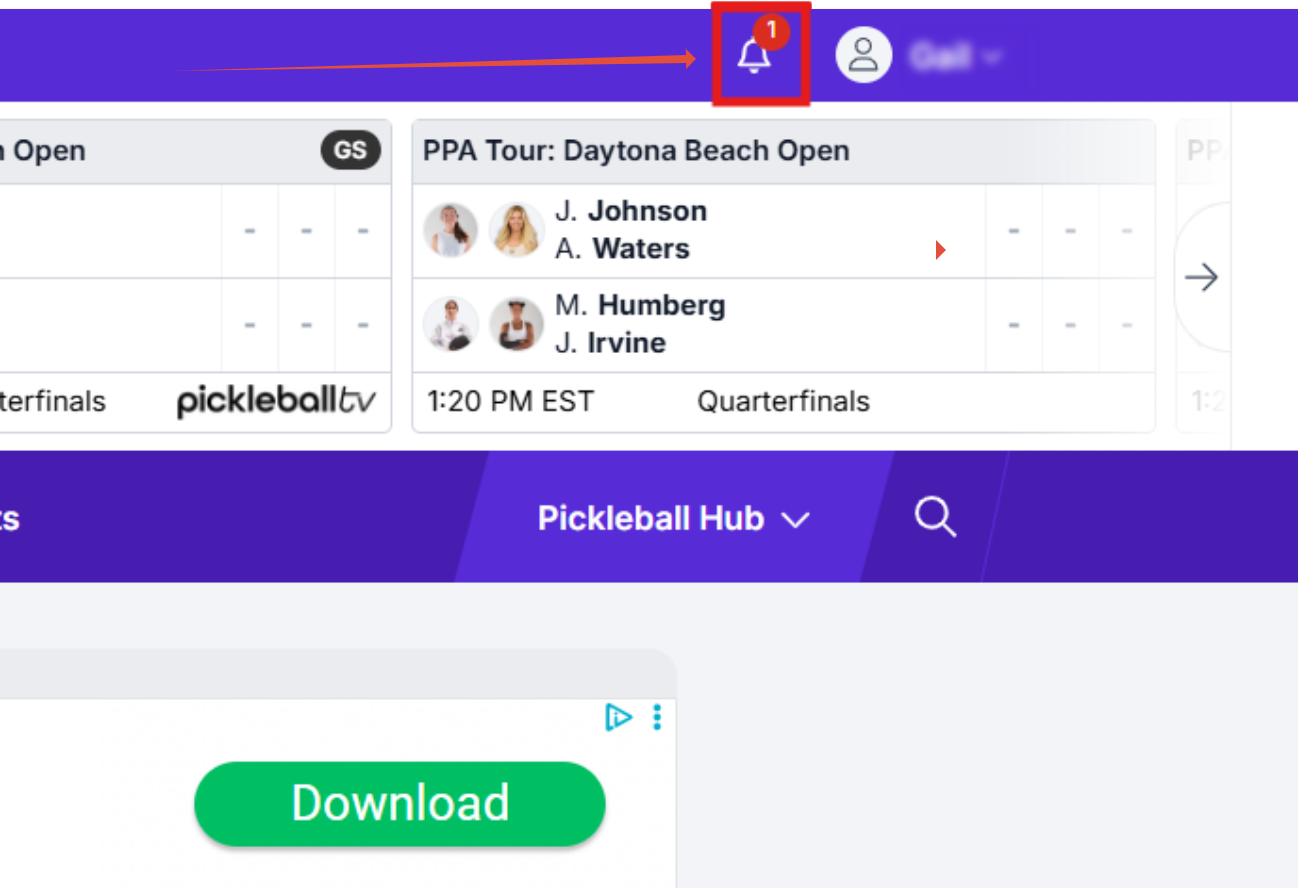
After signing into your account on pickleball.com, Pickleballtournaments.com, or Pickleballteamleagues.com, you will notice a "bell" icon in the upper right corner next to your name:
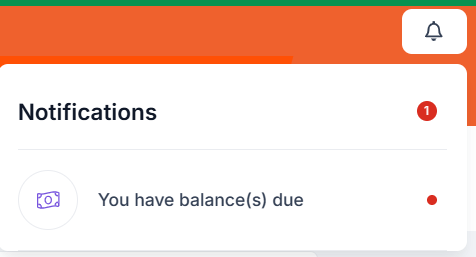
If you have any outstanding Balances or Waivers that are due, click on the corresponding wording:
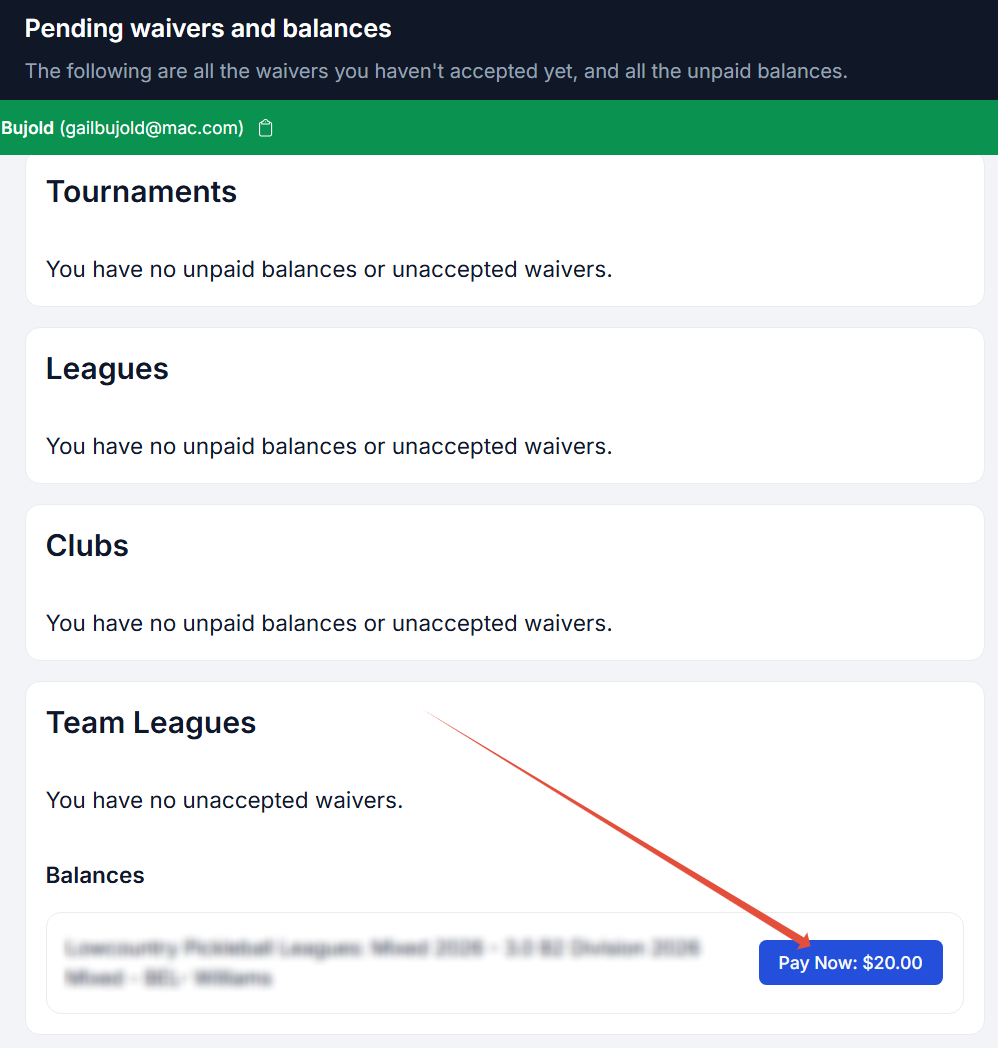
You are now on the Pending Waivers and Balances page. This will list all different platforms within Pickleball.com and if you have any outstanding waivers or balances, you will see tabs to head to those corresponding events to take care of the needed task:
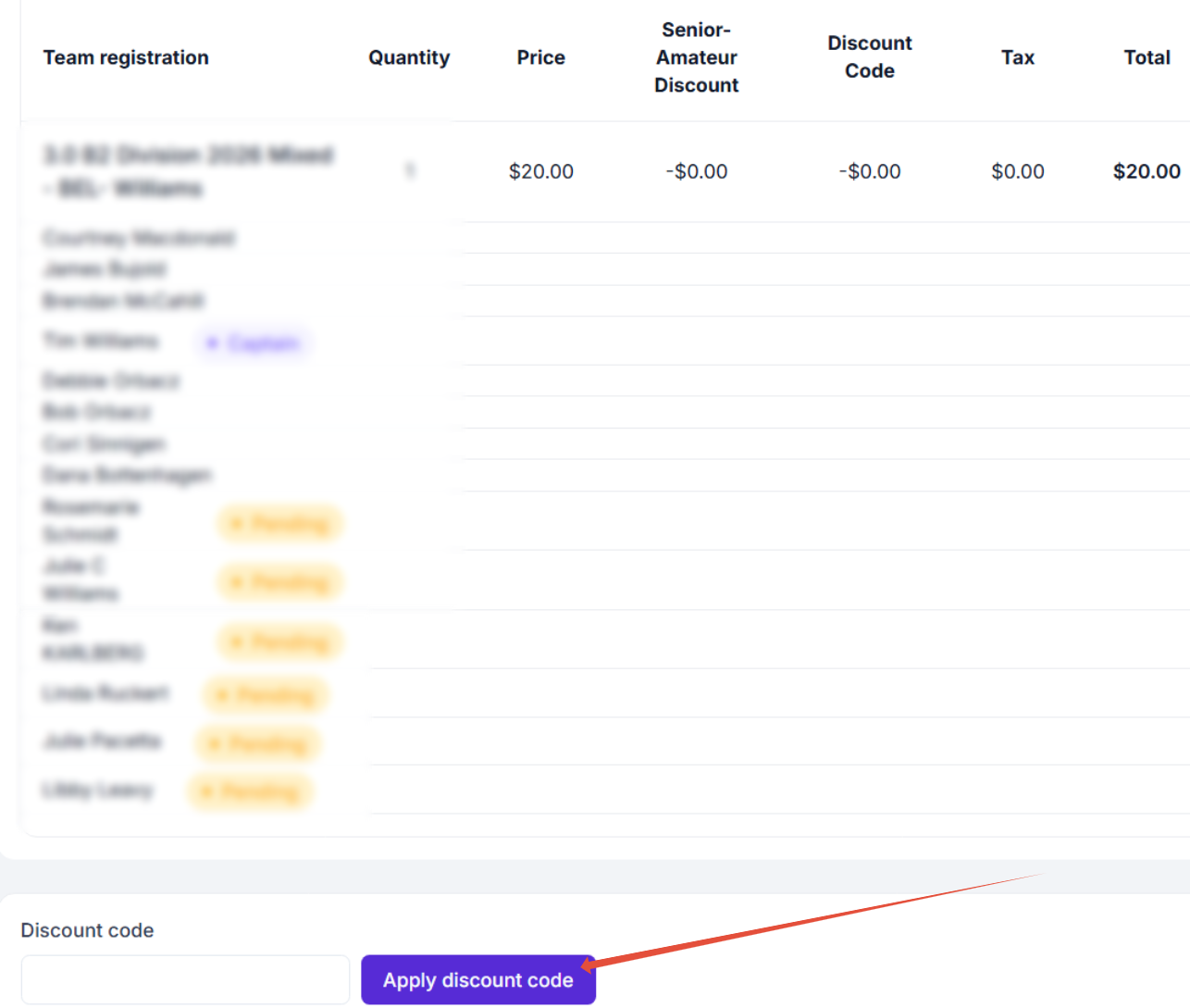
Team Leagues payments will land you on a page that gives you a breakdown of the Team you are part of, the cost for that team, and a list of your fellow players.
If you have a discount code, be sure to add and apply that in the Discount Code section before clicking the "Make a Payment" selection. Note: you must enter the Discount Code exactly as given for it to work - it is case sensitive.
If everything looks correct, proceed to clicking on the "Make a payment" option to be redirected to the Team Leagues payment processor.
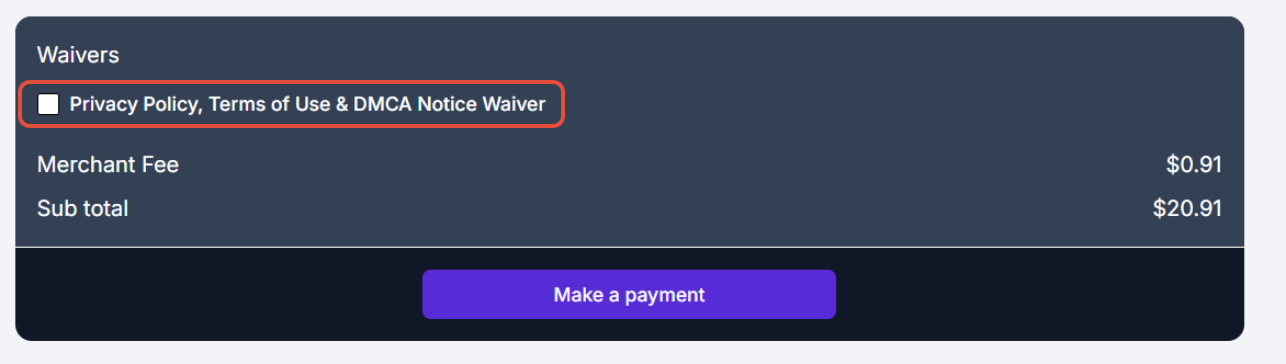
Before making payment, you will need to click on and agree to the Waiver:
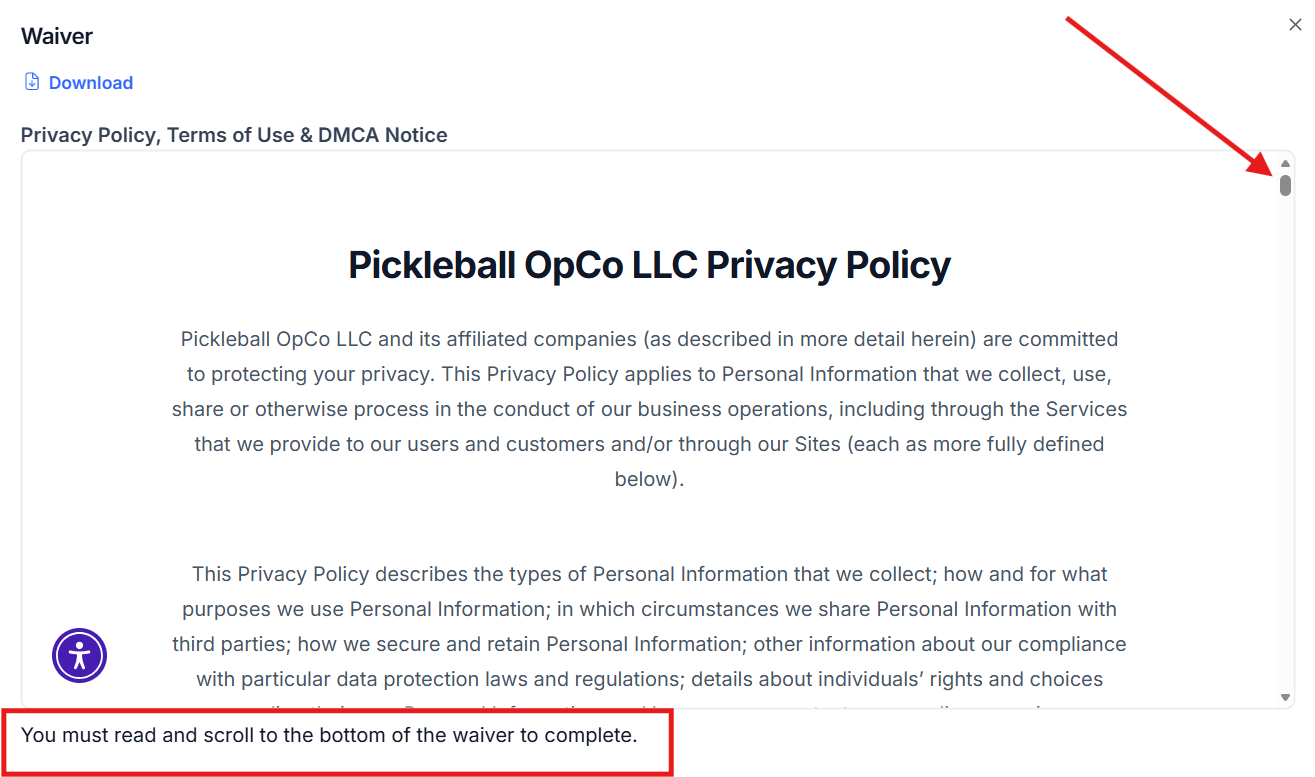
When the waiver page opens, you will notice a scroll bar on the right hand side of the screen. You will need to progress all the way to the bottom of the waiver before being able to sign and agree to the terms.
NOTE: This is a very LONG waiver (especially on a phone), so keep on going until you reach the end.
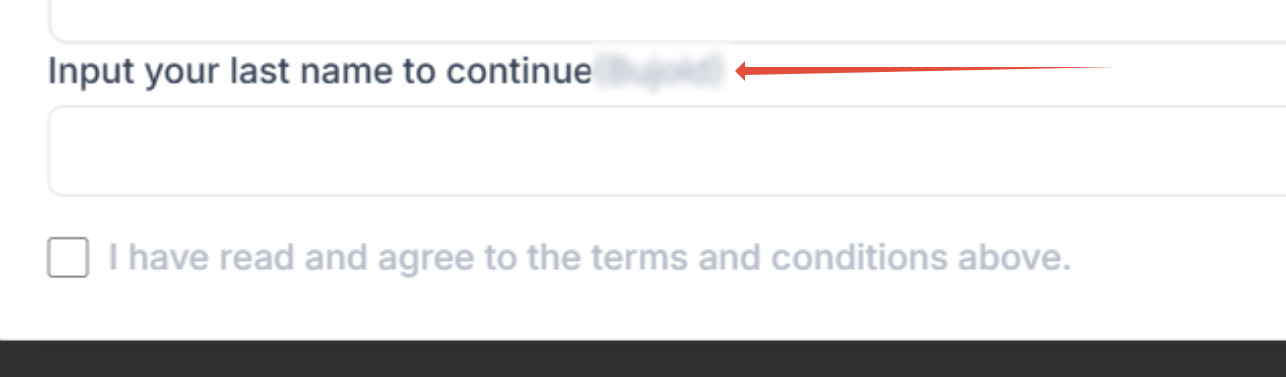
Now that you are at the bottom of the waiver, you will need to type in your last name exactly as it shows in your player profile before being able to check the agreement. Your last name will appear right after the wording "Input your last name to continue" so you can see exactly how it should be input. You cannot copy/paste this, it must be typed in:
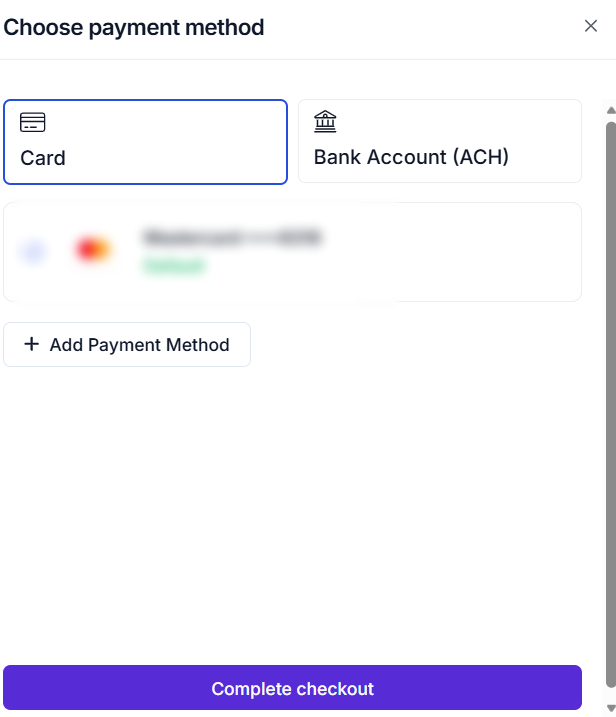
Once accepted, click the "Make a Payment" button to be directed to the payment options page. Fill out your payment option and select the "Complete Checkout" option, and you are all done.
Was this article helpful?
That’s Great!
Thank you for your feedback
Sorry! We couldn't be helpful
Thank you for your feedback
Feedback sent
We appreciate your effort and will try to fix the article