Scroll to the 5:40 min mark in the video above to review how to add event costs to your events or review the steps below.
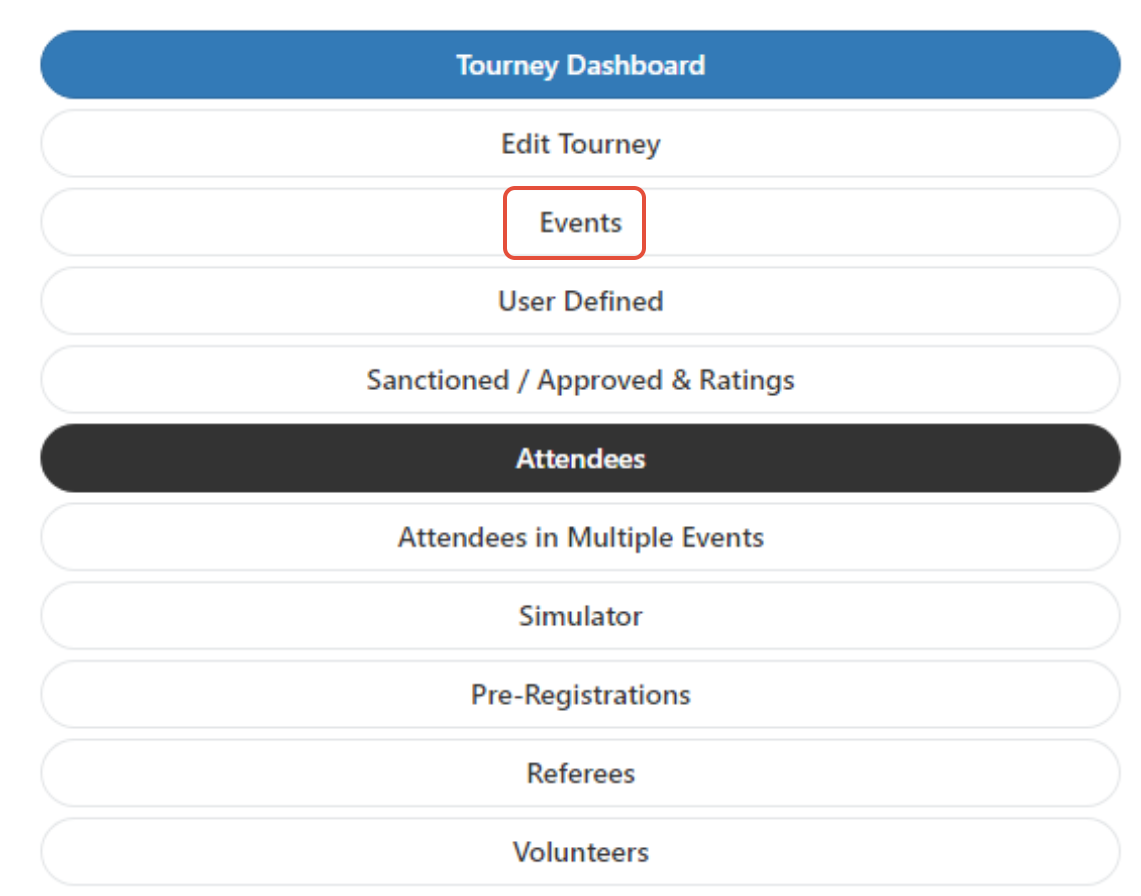
Once logged into your tournament, visit the 3-line menu and select the "Events" tab:
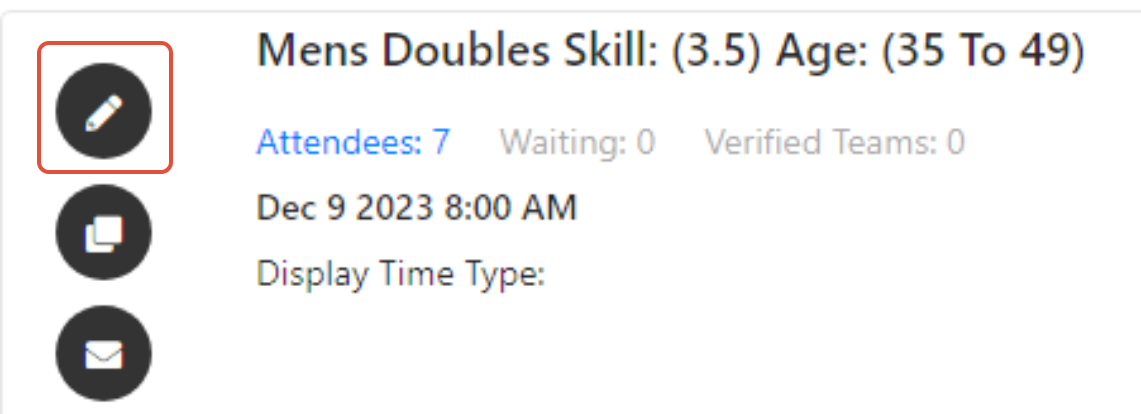
Select the "Edit Event" tab:
Once in the Basic Info section for the event, scroll all the way down to the "Event Cost" section toward the bottom of the page. This amount will be charged to the player in addition to whatever you elect to charge them for a Registration Cost. Please review the registration cost help doc for more information on setting up registration costs and how many events to include.
It is important to remember this DOESN'T include the Service Fees charged by Pickleballbrackets.com. Those fees are charged extra on top of your selections for the players.
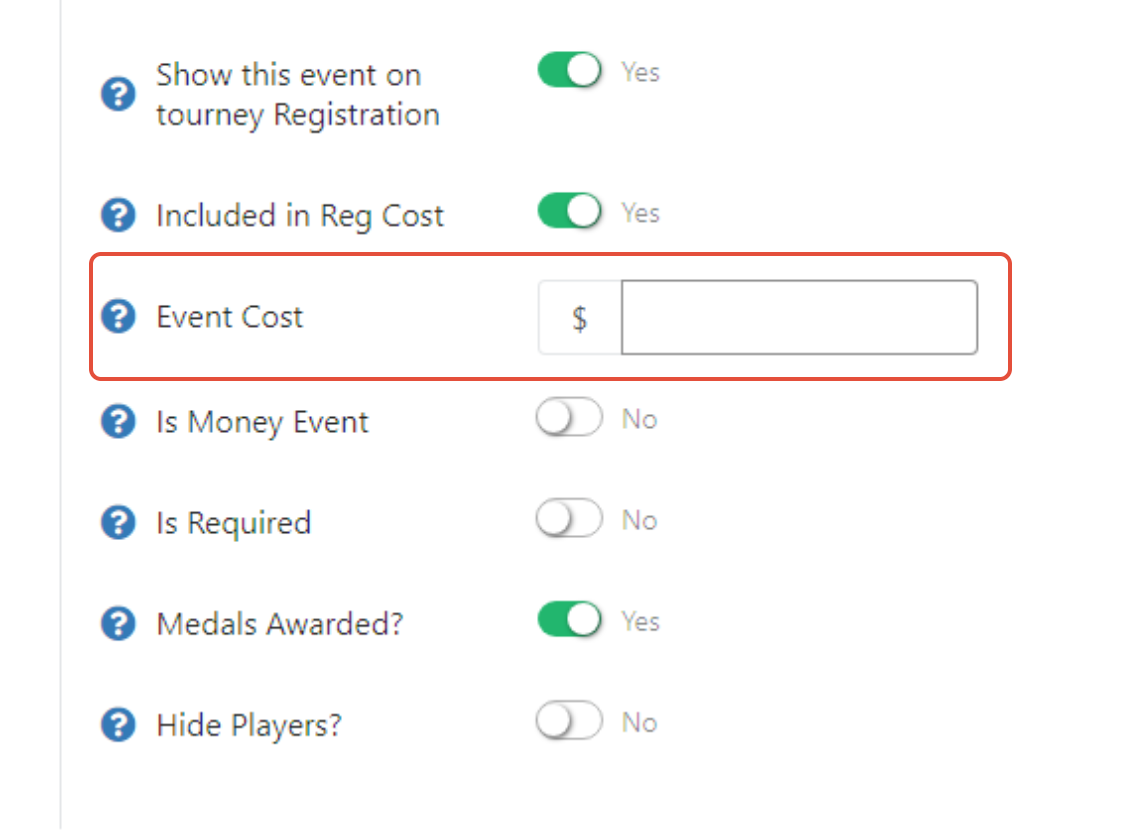
Please review the registration cost set up as well, to determine how to include multiple events in registration cost or none.
Was this article helpful?
That’s Great!
Thank you for your feedback
Sorry! We couldn't be helpful
Thank you for your feedback
Feedback sent
We appreciate your effort and will try to fix the article