TABLE OF CONTENTS
- Once logged into your tournament, visit the 3-line menu and select the "Edit Tourney" option:
- On the left-hand side menu, select "Registration Cost":
- The number of events you wish to include in the price of the Registration needs to be entered in the "Events included in Cost" section at the bottom of the page:
- Once set, you will need to visit the 3-line menus and access your "Events" tabt
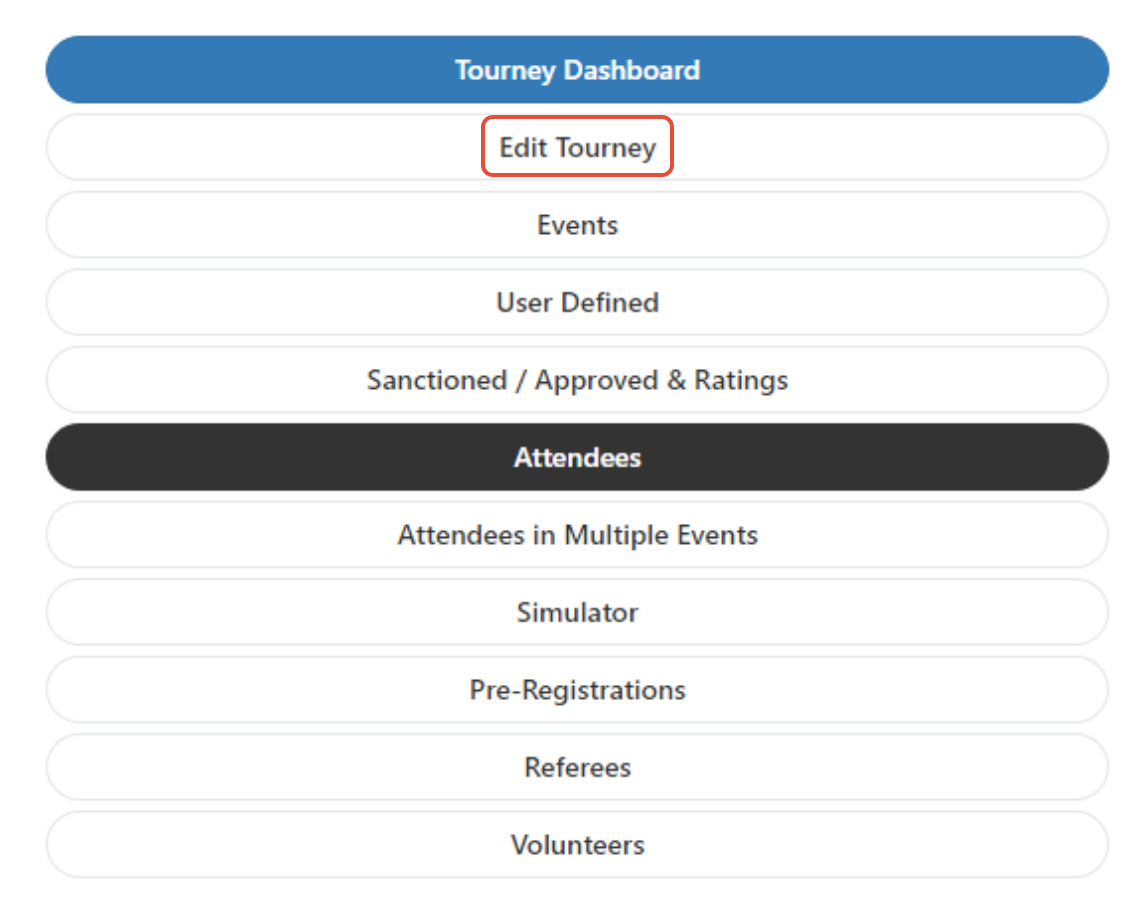
Once logged into your tournament, visit the 3-line menu and select the "Edit Tourney" option:
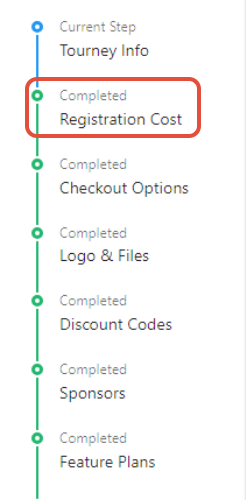
On the left-hand side menu, select "Registration Cost":
The number of events you wish to include in the price of the Registration needs to be entered in the "Events included in Cost" section at the bottom of the page:

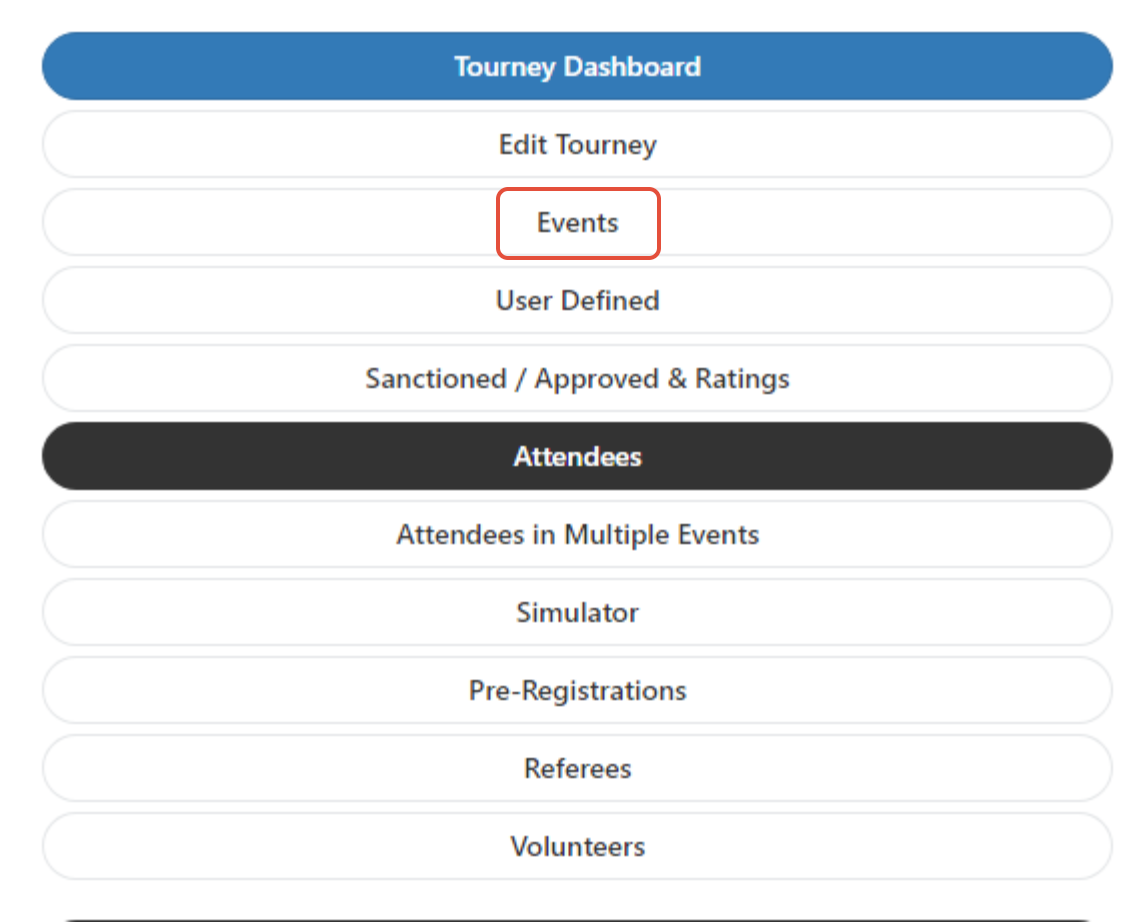
Once set, you will need to visit the 3-line menus and access your "Events" tab:
When creating/editing the event, you will need to mark ALL the events as included "Included with Registration." Any events that are NOT marked as such, will charge an event fee (if one is added to the event) no matter if it is supposed to be included or not.

If you are only wanting to include 1 event in the registration cost, and you are wanting additional events to charge an event fee, you still need to mark all the events as "Included in Reg Cost." In that case, the system will not charge for the first event, and will only charge the player according to your event fees, if an event is selected as a second event.
Please keep in mind that Service Fees are in addition and will be charged per event.
Was this article helpful?
That’s Great!
Thank you for your feedback
Sorry! We couldn't be helpful
Thank you for your feedback
Feedback sent
We appreciate your effort and will try to fix the article