Once your league is set up, you have a number of menu options to help maintain the league and communicate with players.
Here we will describe these options will do for you as a League Manager.
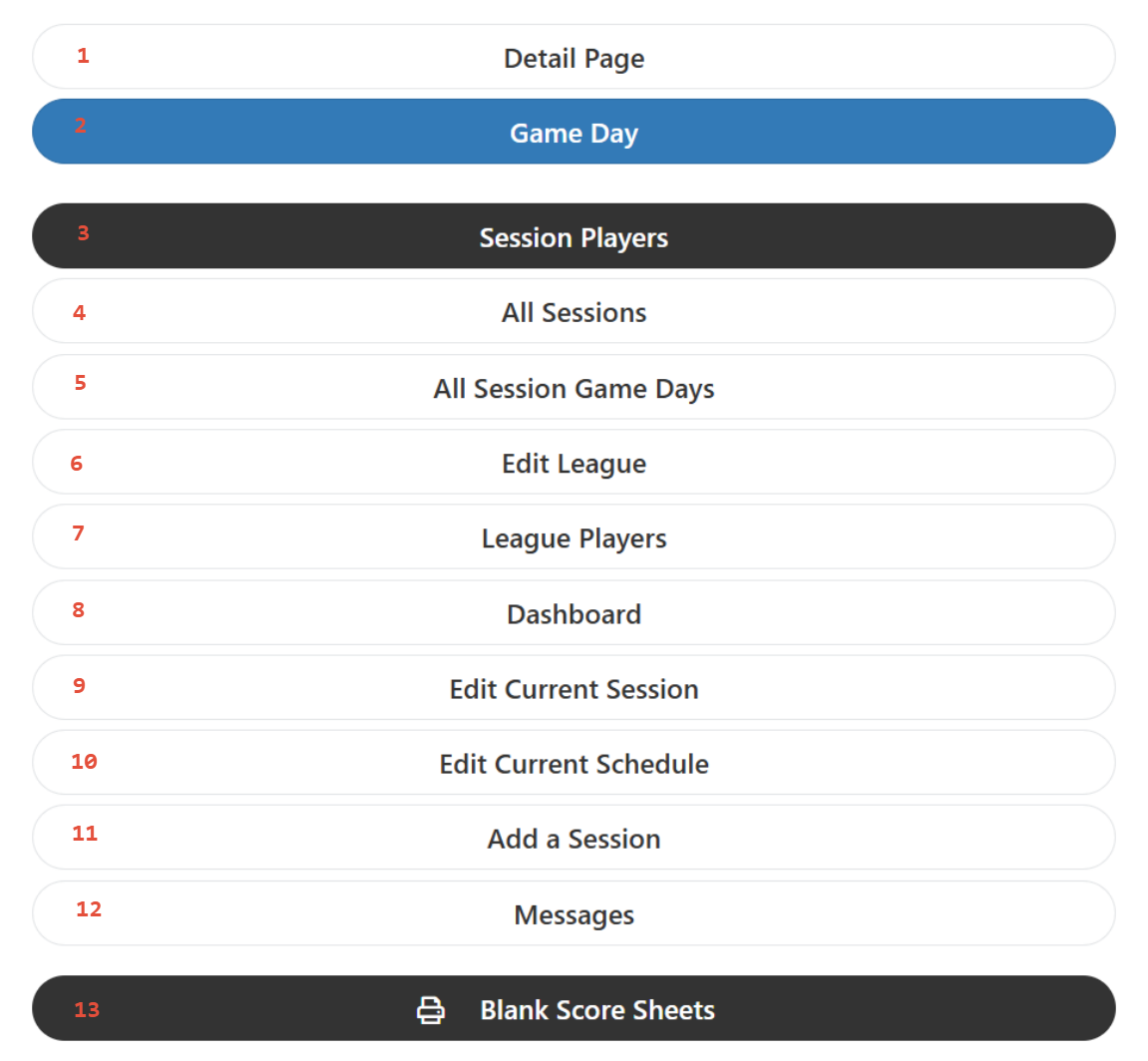
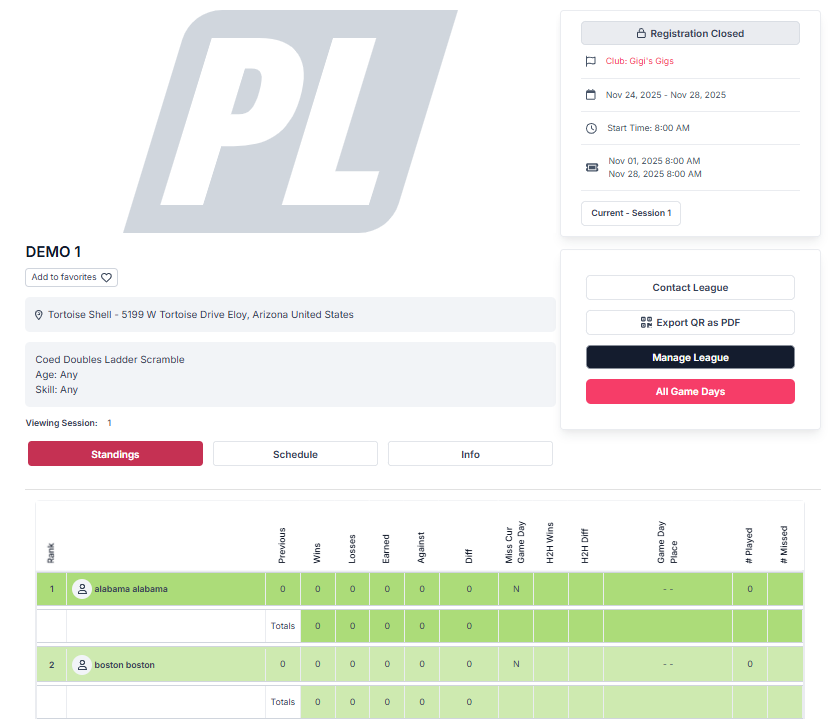
- Detail Page - This will take you to the Home Page of the League. It will include the Standings, Schedule, Information about League and Sponsors tabs.
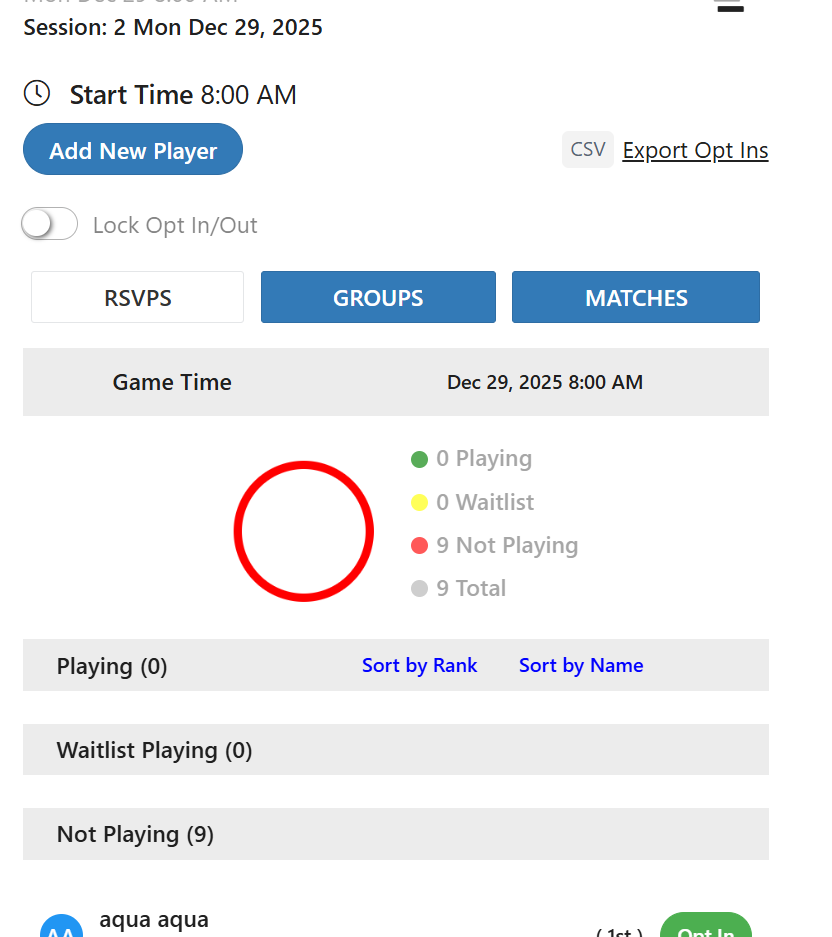
- Game Day - Will take you to the current game day to manage.
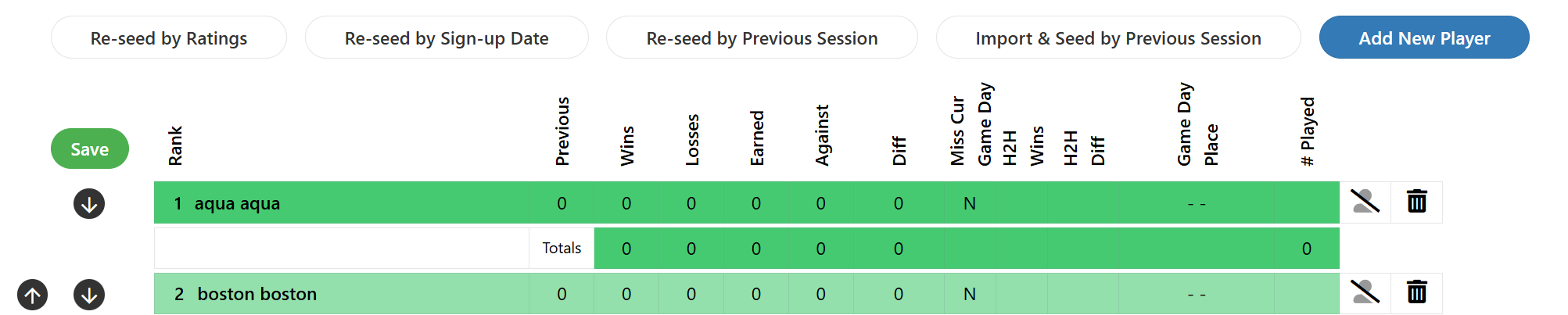
- Session Players - A list of the players registered in the current session as they are ranked on the ladder. League manager can add, delete, hide and move players.
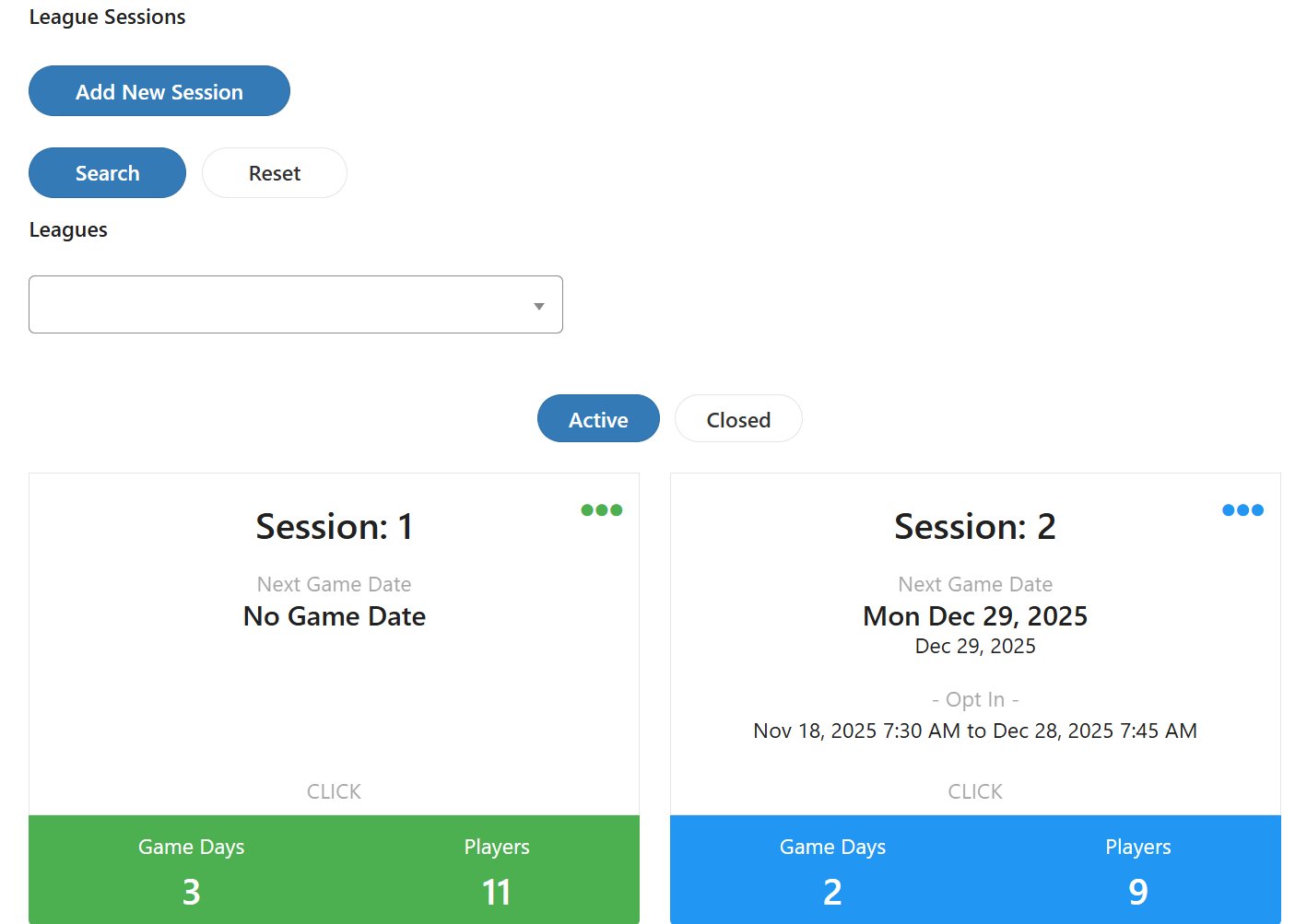
- All Sessions - This will list all of the league sessions and allow the league manager to edit those sessions or add a new session.
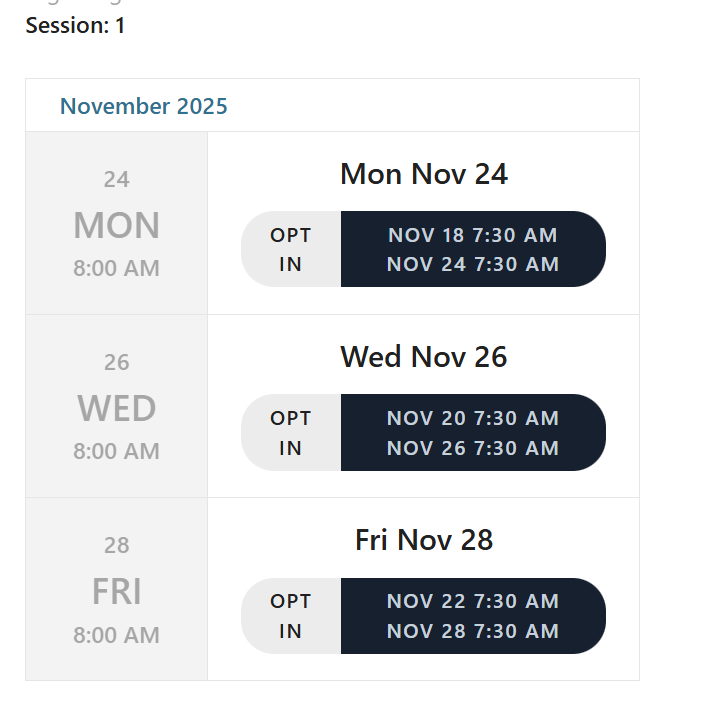
- All Session Game Days - This will list the game days for the current league session. It allows the league manager to opt players in or out, enter scores and manage play on the game day.
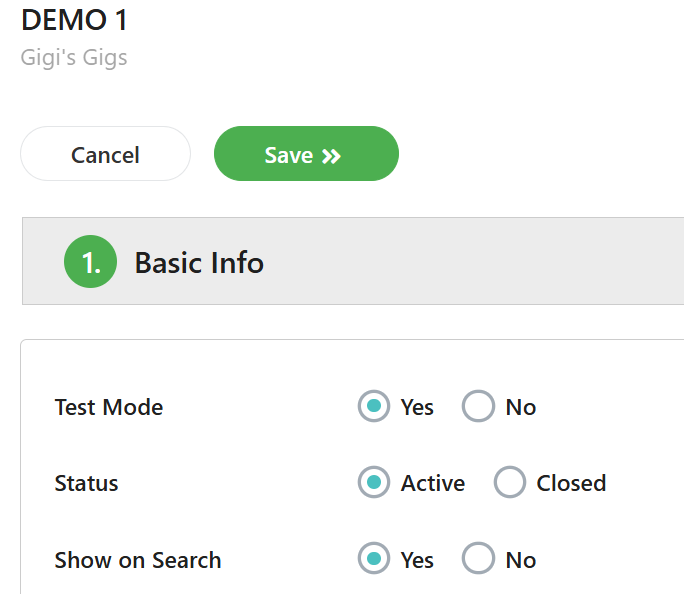
- Edit League - This allows the league manager to view and edit the league setup parameters.
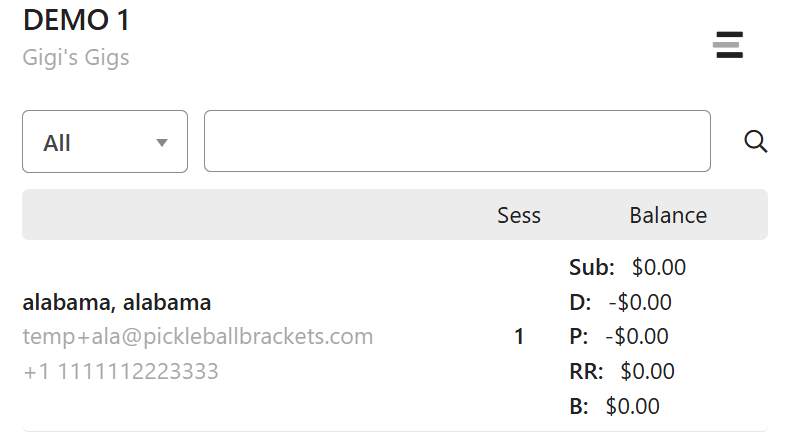
- League Players - This shows a listing of all the current league players with their current payment history.
- Dashboard - (Coming Soon)
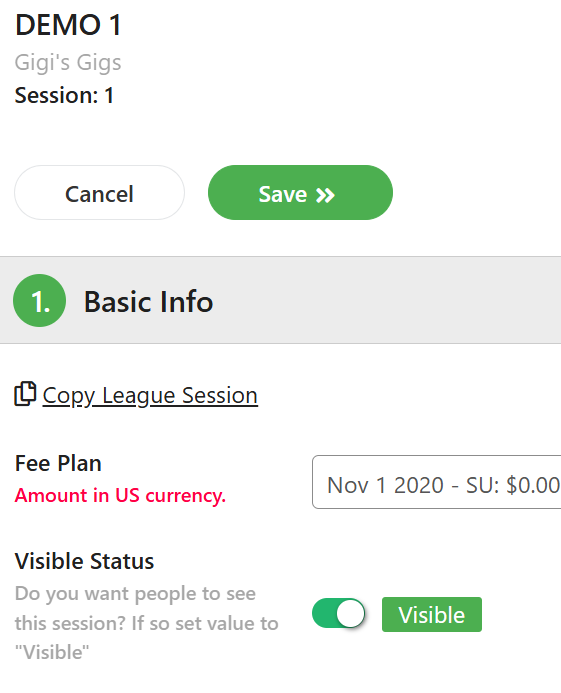
- Edit Current Session - Allows the league manager to modify details for the current league session.
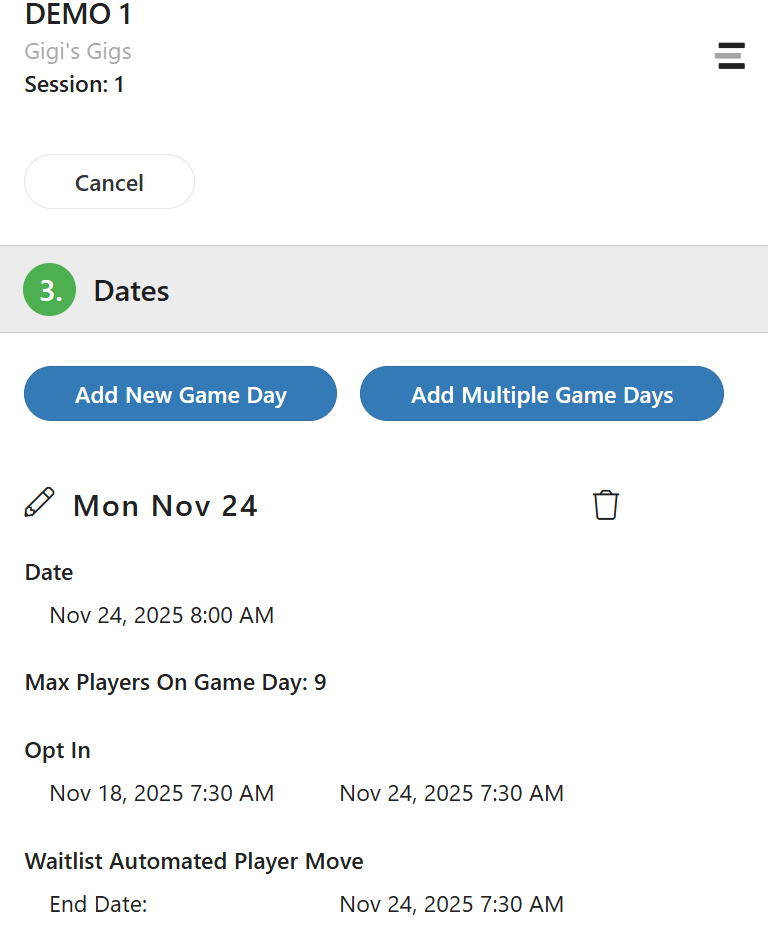
- Edit Current Schedule - Allows the league manager to edit the game day schedule for the current session.
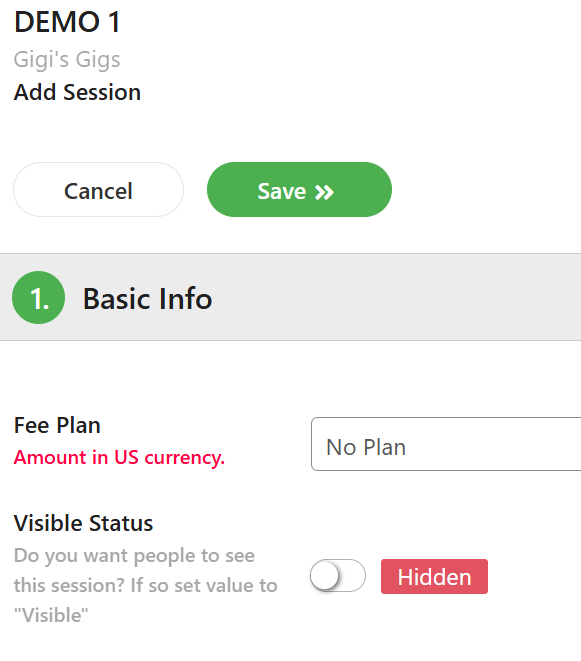
- Add a Session - Select this menu option to add a new session to the current league.
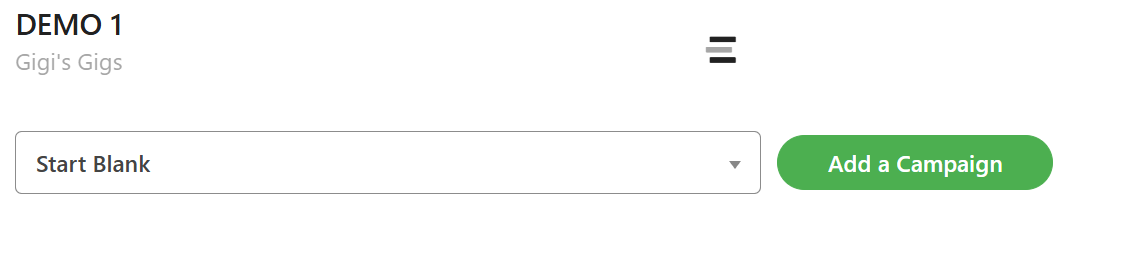
- Messages - Select this option to send messages to the current session players.
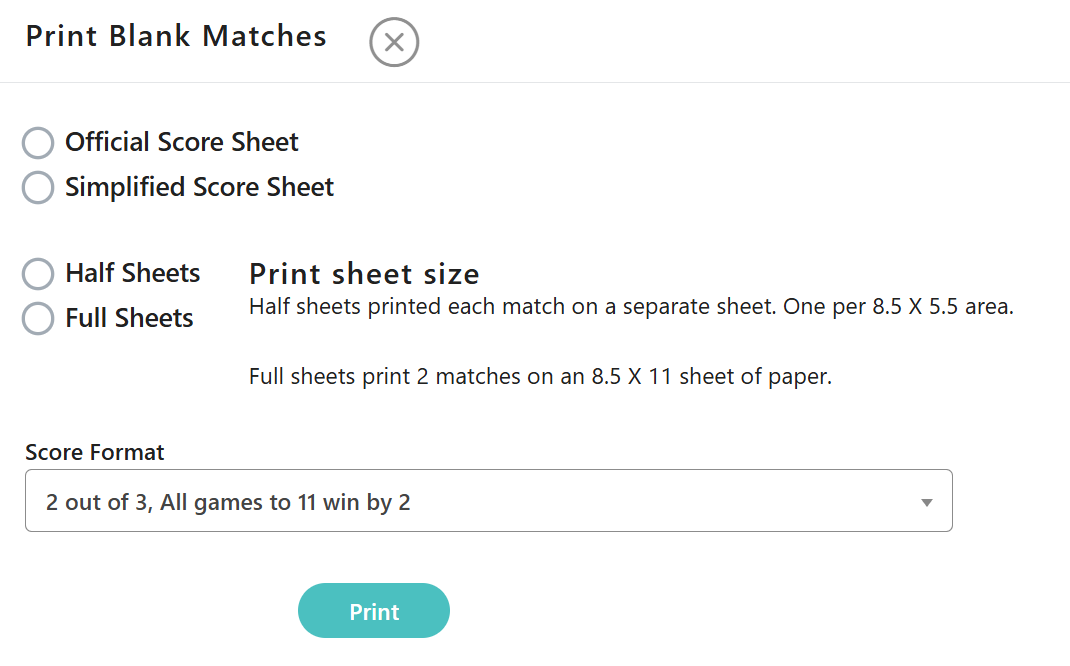
- Blank Score Sheets - Select this option to print blank score sheets in any scoring format.
Was this article helpful?
That’s Great!
Thank you for your feedback
Sorry! We couldn't be helpful
Thank you for your feedback
Feedback sent
We appreciate your effort and will try to fix the article