To add a payment option for a tournament, it first needs to be added to your Club. Go to your Manage Club option, and then select Checkout Options from the menu on the left. Follow the prompts to add your Stripe account. You will see "enabled" next to stripe in your club set up once it's fully connected.

Once accepted in the club, go back to your tournament to the tournament's checkout options. (Edit tourney from the menu, then select "checkout options" from the menu on the left).
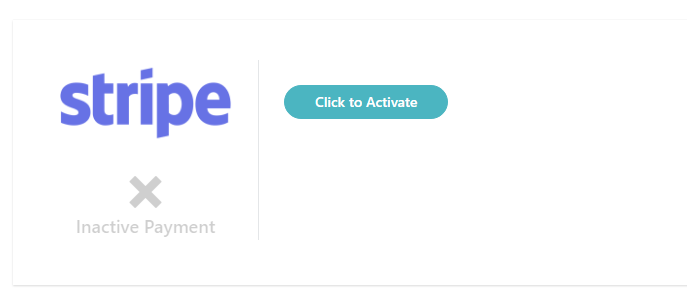
Click on the "Click to Activate" button, and then search your Club to activate the Stripe account listed in the Club.
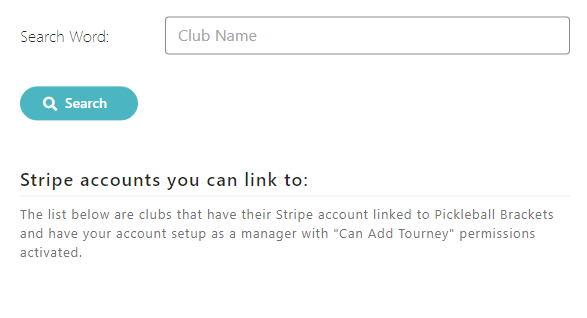
Search for the club name to connect that club's Stripe account. Note that you only have access to the clubs in which you are a manager, so please make sure to choose carefully if you have managerial access to more than one club.
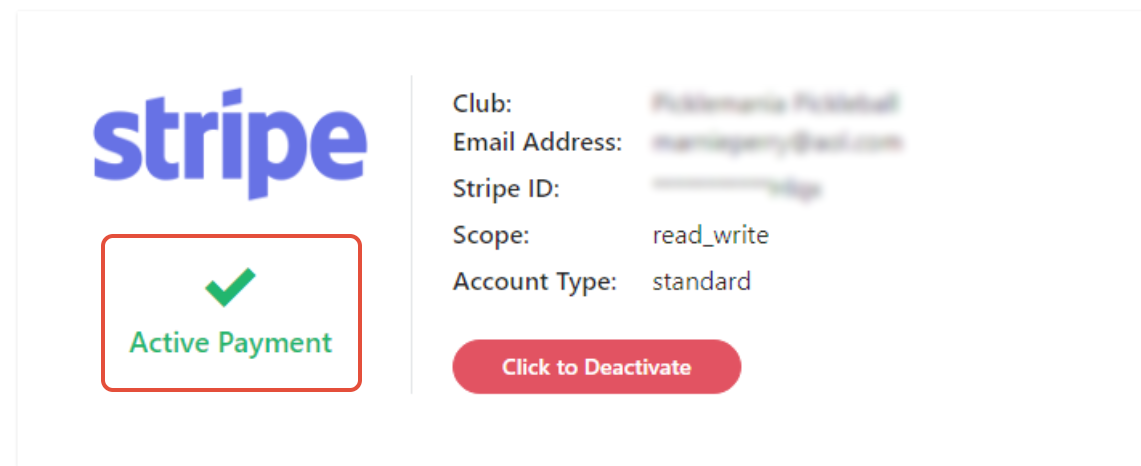
Once activated correctly in the tournament, you will see the Active Payment checkmark listed. Your payment option is now ready to accept registration payments for your tournament.
Was this article helpful?
That’s Great!
Thank you for your feedback
Sorry! We couldn't be helpful
Thank you for your feedback
Feedback sent
We appreciate your effort and will try to fix the article