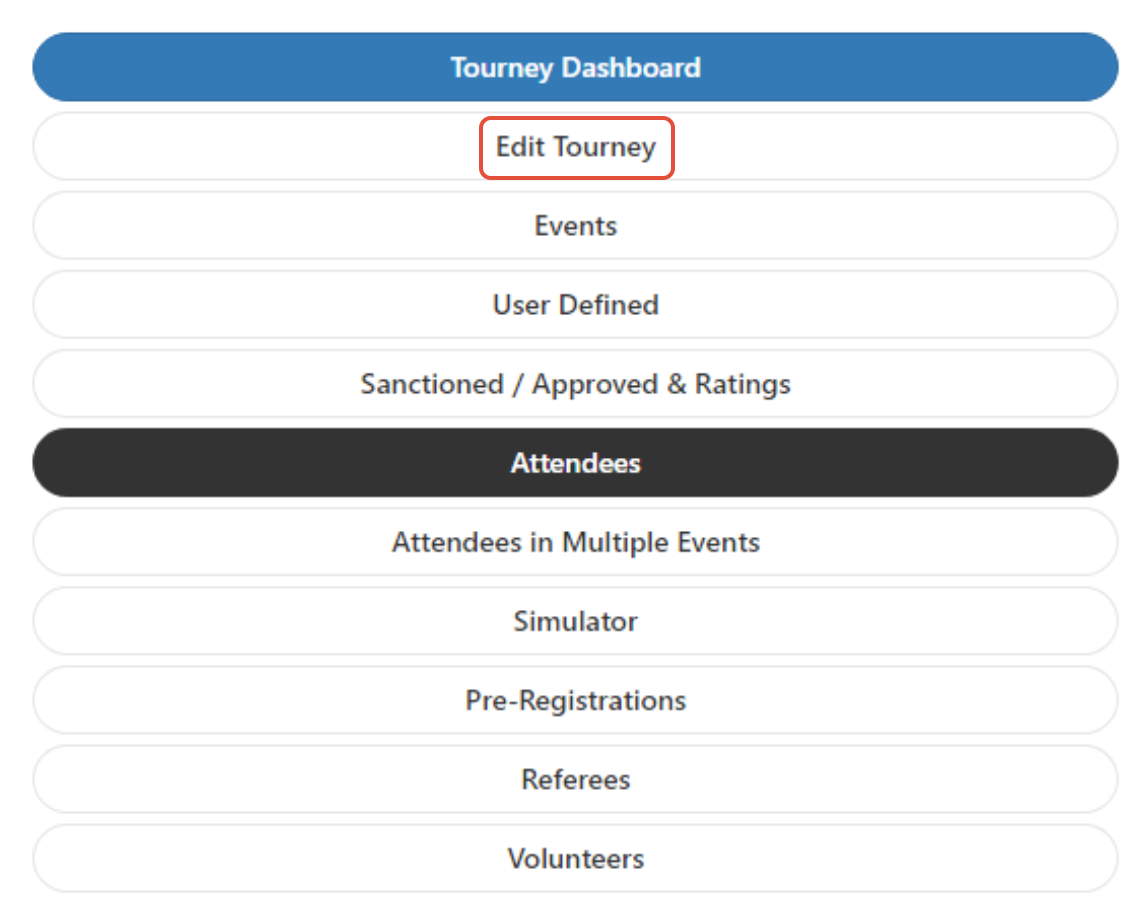
When signed in to your tournament, use the 3-line menu to access the "Edit Tourney" feature:
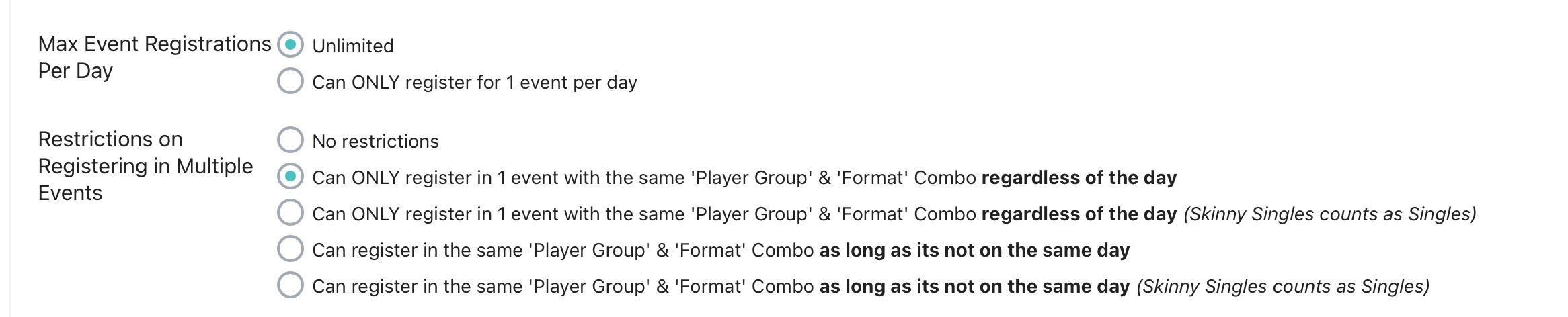
Scroll down until you find the "Max Events per Reg" option, and use the dropdown menu to decide how many events players can register for.

You can also leave the Max Events Per Reg as unlimited and set your restrictions in this section below. In this example, a player can ONLY register for 1 event that has the same player group / format. For example, someone can only register for Mixed Doubles 50+, even though Mixed Doubles 35+ might be on a different day. If you would like to allow that to happen, use the fourth button down on that section - as that allows those settings as long as it's not on the same day.
Was this article helpful?
That’s Great!
Thank you for your feedback
Sorry! We couldn't be helpful
Thank you for your feedback
Feedback sent
We appreciate your effort and will try to fix the article