When a session is completed in a league, you may create a new session if you want to keep the same league type, format, etc. YOU DO NOT need to create a new league. You just need to add another session.
To options in setting up another session.
1. From the Home page of Pickleballleagues.com
To add a session to any league select the league you are managing.
Select Manage League
Click on the Add New Session tab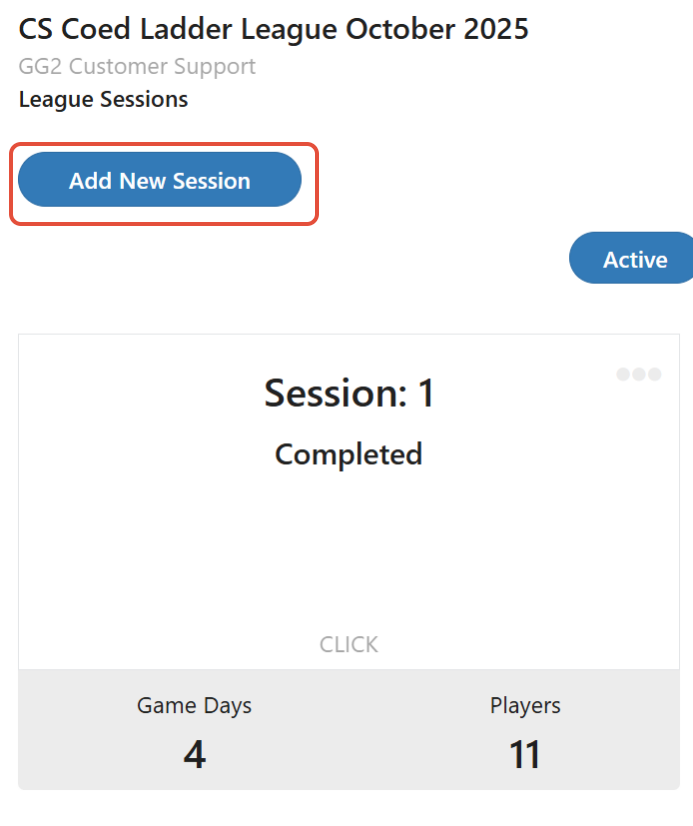
2. From the Sessions tab
- Click on the three dots in top right corner of previous session
- Click on Add a Session
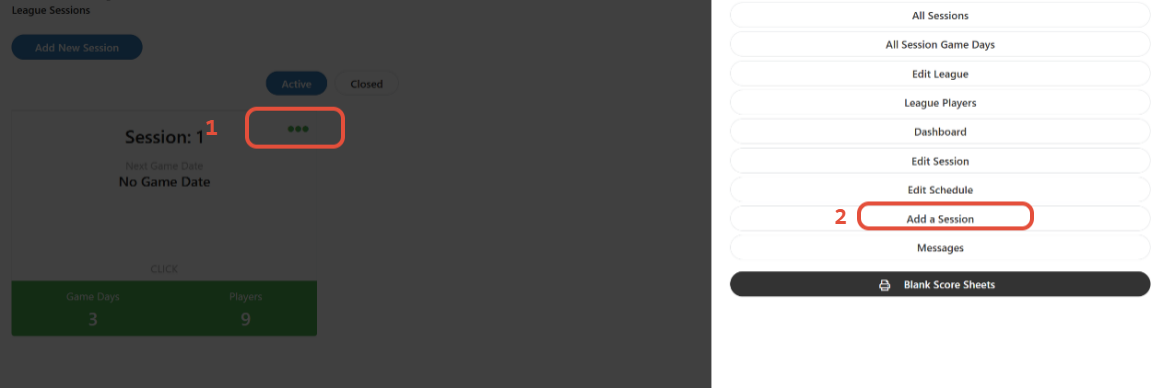
With either selection to add a session, follow the instructions from setting up your first session.
Creating your First Session
Was this article helpful?
That’s Great!
Thank you for your feedback
Sorry! We couldn't be helpful
Thank you for your feedback
Feedback sent
We appreciate your effort and will try to fix the article