If you are interested in signing up for a league. Here you will find step by step instructions to get you in that league.
TABLE OF CONTENTS
- Start by logging into Pickleball.com
- Click on the League name you wish to join
- Opt in Instructions
- Questions about league?
Start by logging into Pickleball.com
Below is the main PickleballLeagues Main Screen.
You can get there by logging into your Pickleball.com profile.
Once logged in click on the Leagues tab. All leagues searches and signups are initiated from this screen. Leagues are listed alphabetically.
Find a League by scrolling down or using the search box to locate a League by name or location.

Each league that meets your search requirements will be listed:

1. You can now mark leagues under My Favorites for a quick search later.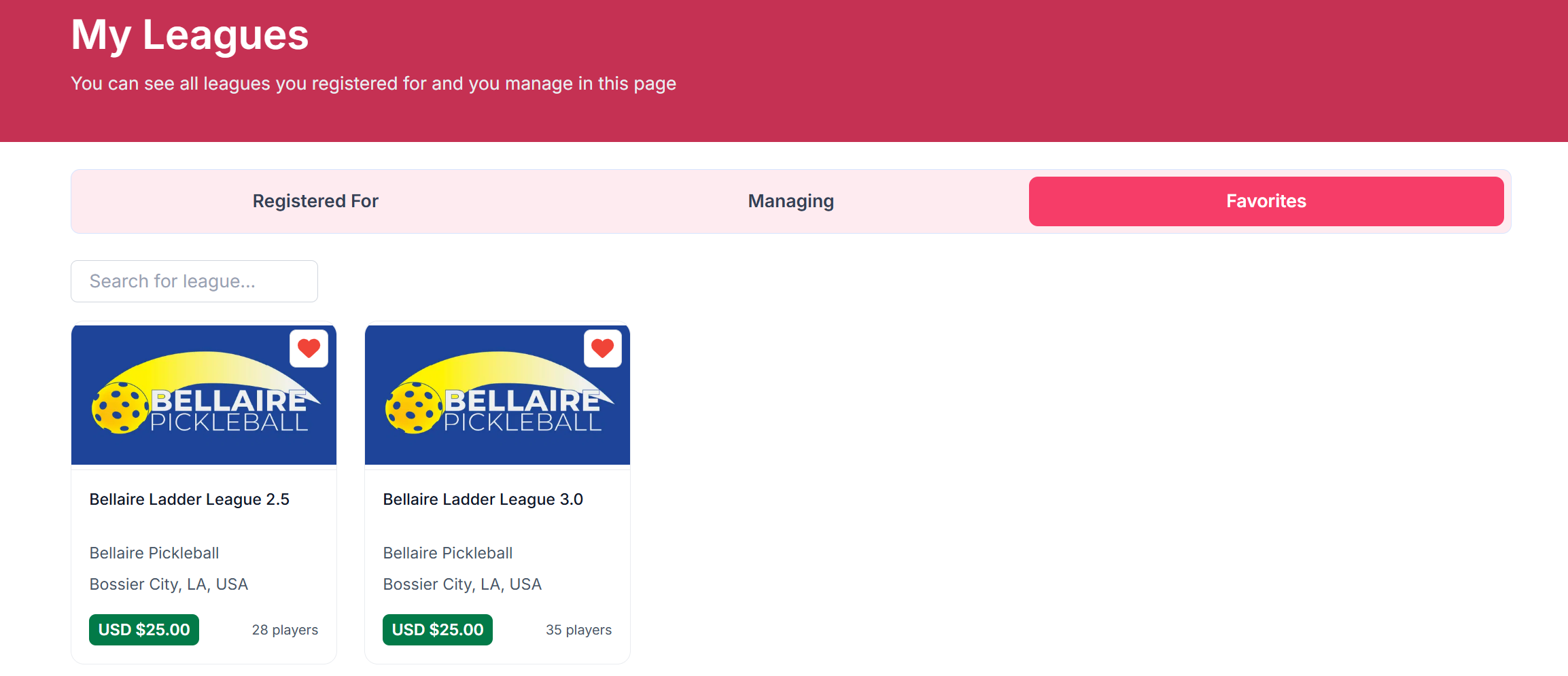
2. This lists the club, city, state and country where this league is run. All Leagues operate under the auspices of a Club but many do not require Club membership to participate.
3. The green tab will either say Register, a cost, View or Completed.
Register indicates that there is no cost for this league, but players must be a club member to join. 
The price indicates that a league is open for registration. The price may reflect a full session price or a daily price depending upon how the League is configured.

View indicates that a league is active but does not currently accept registrations.

Completed indicates that the league is over, but the results are still visible to the public.
4. Number of players already registered for this league.
Click on the League name you wish to join
Once you have clicked on the league that you would like to join, it will have the detail page of the league.
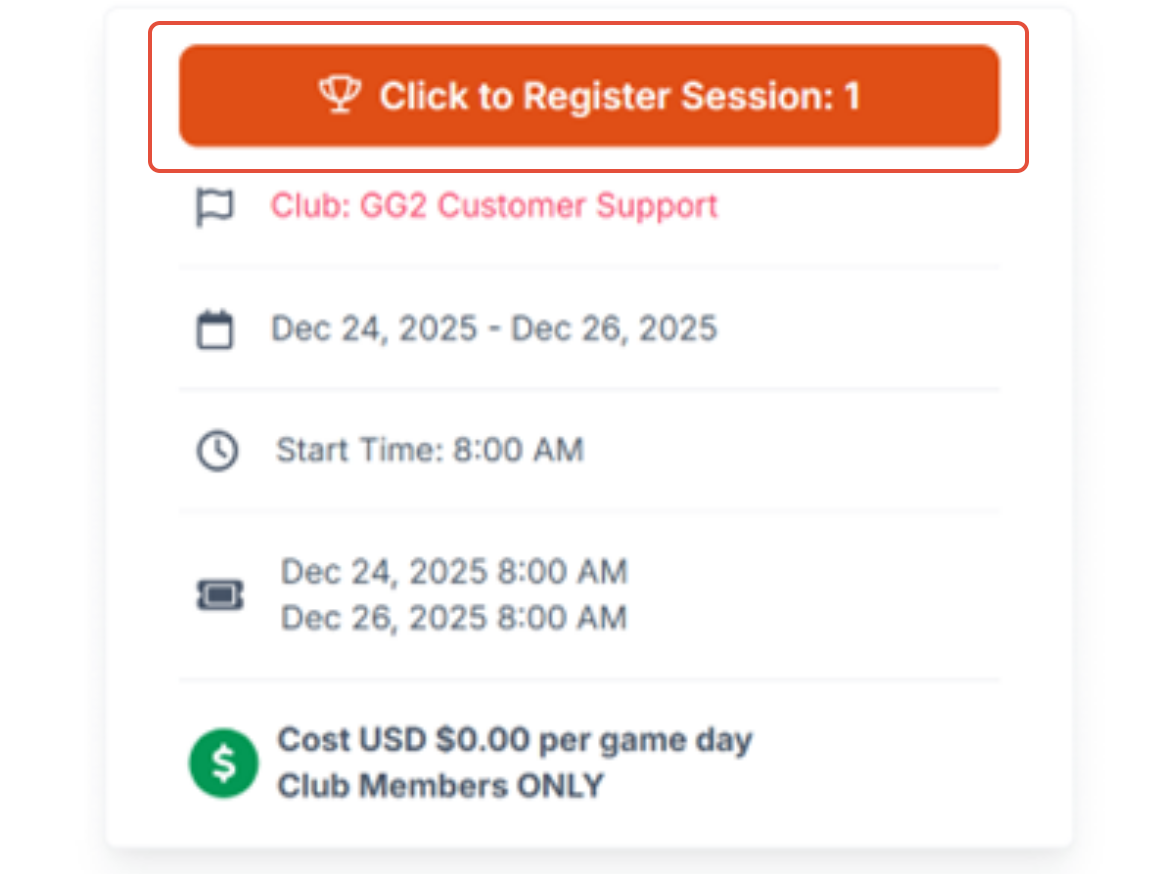 In the top right corner, click on the Register tab and this will register you for the current session. A prompt will display that you have successfully registered for this league. Click yes, if you would like to go to the game day.
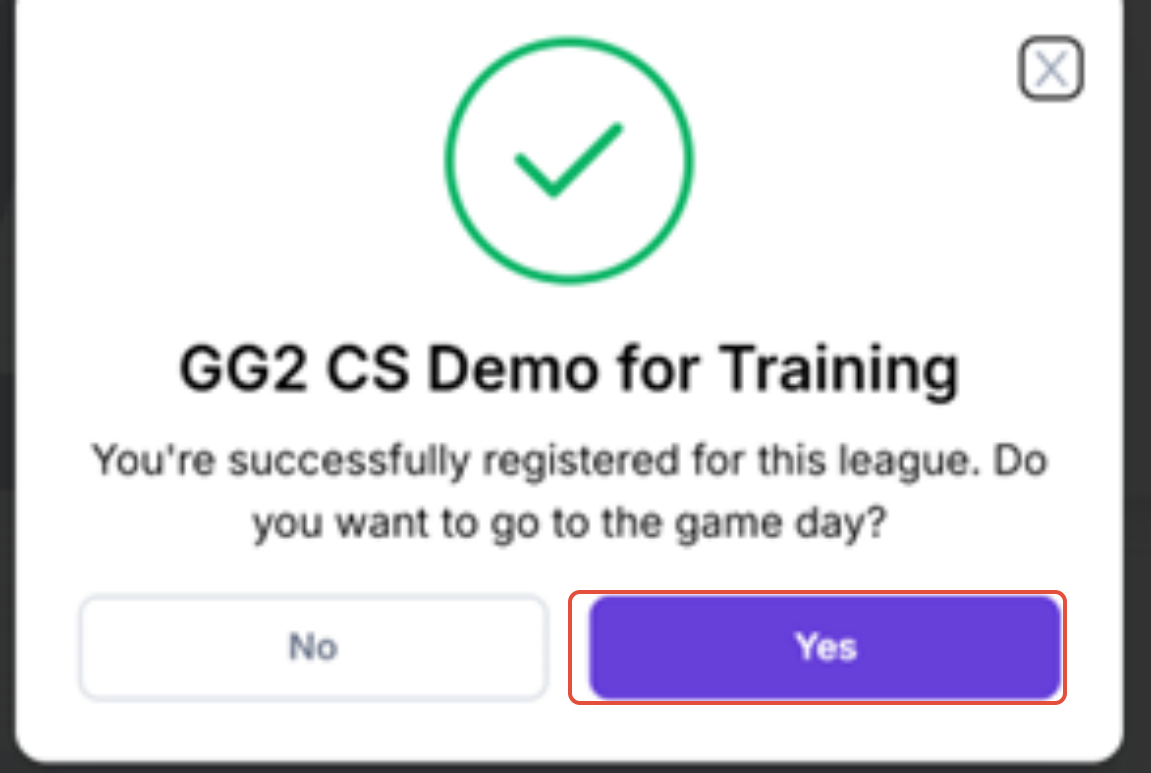
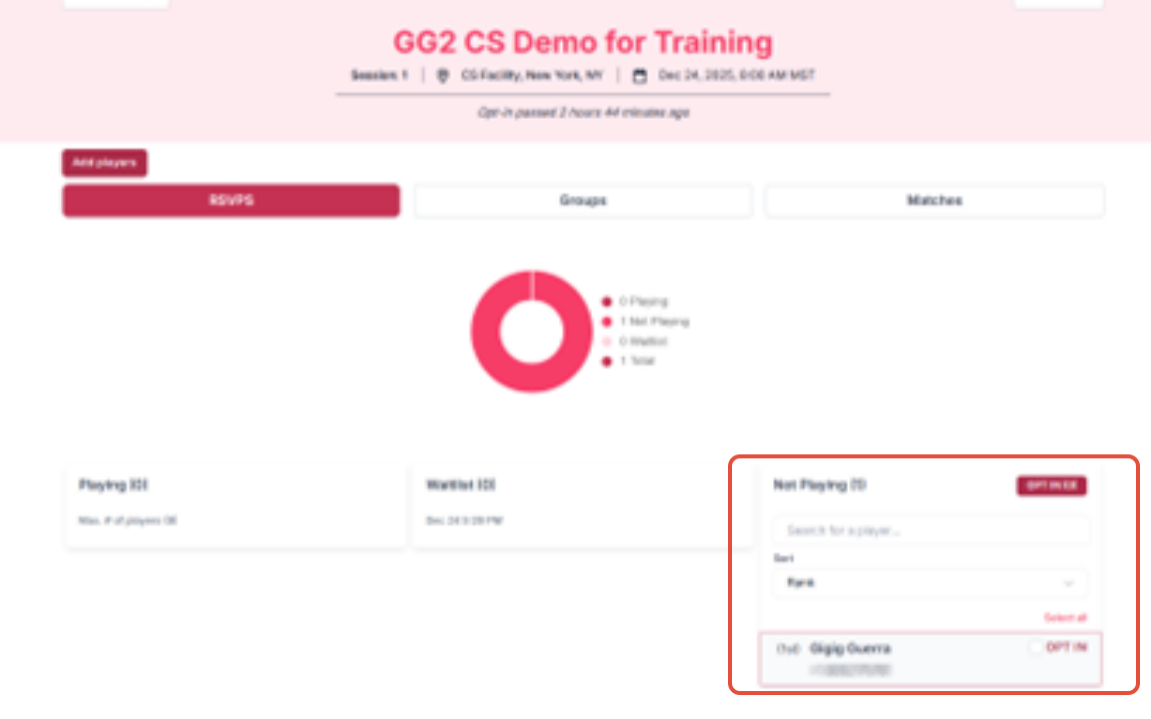
By clicking Yes, it will take you to the game day where you will see your name listed under the Not Playing List.
Opt in Instructions
To opt in to play on the game day, click on the Opt In to the right of your name (1) and then Opt In Tab (2)
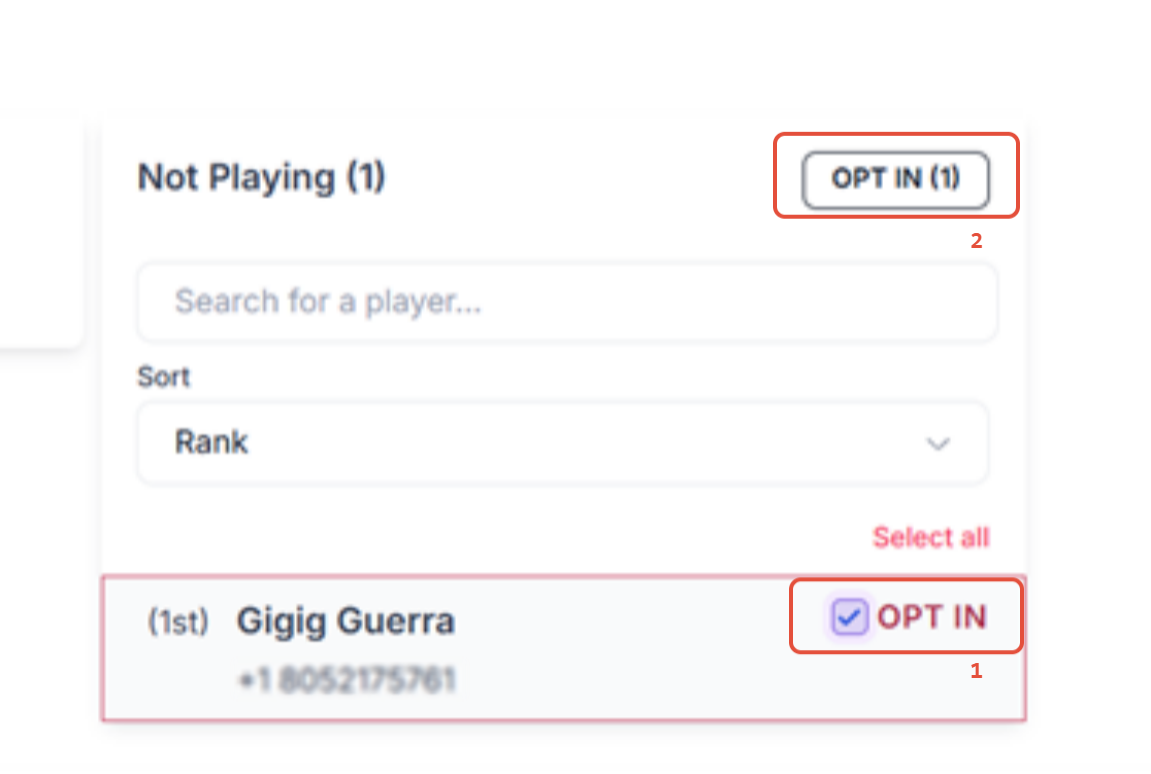
It will prompt you to confirm you want to Opt In for this game day: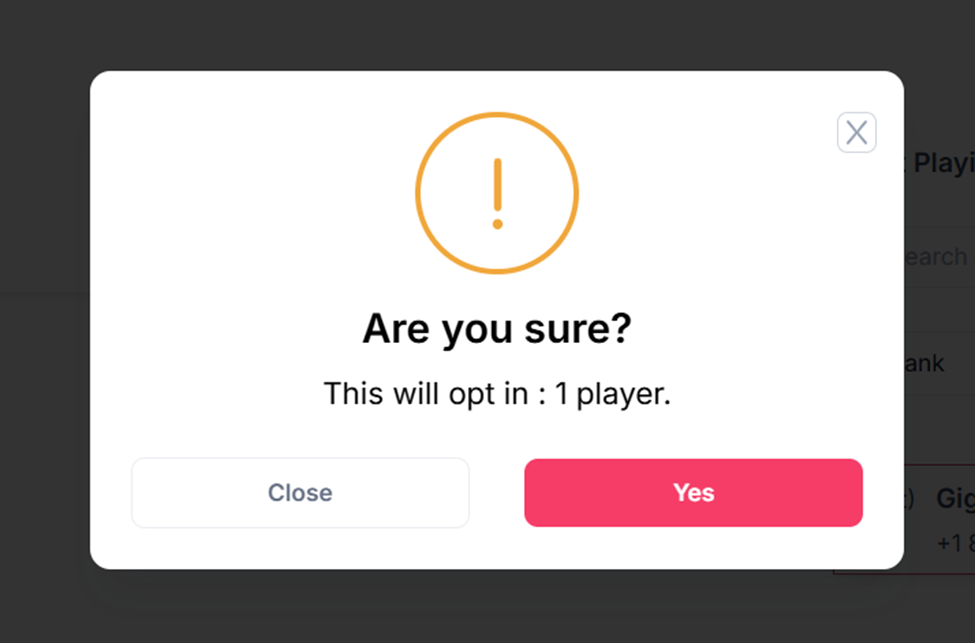
If done correctly, this will move your name under the Playing List
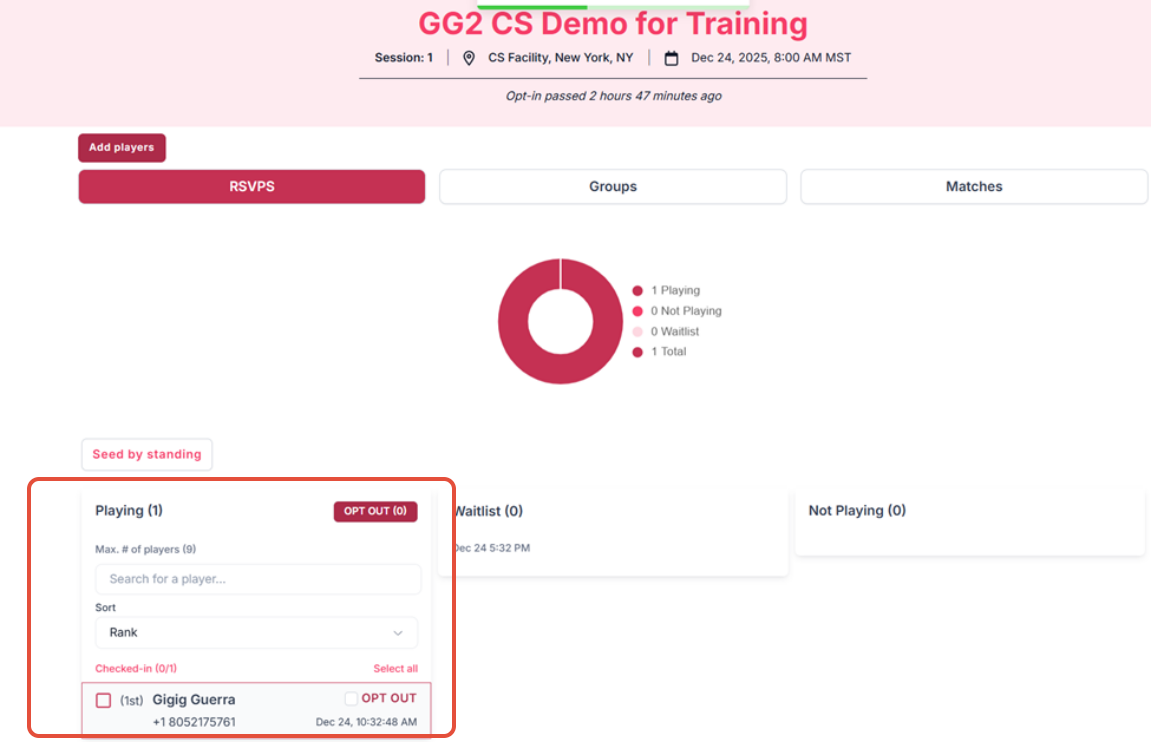
You are set to play on this game day for this session.
Questions about league?
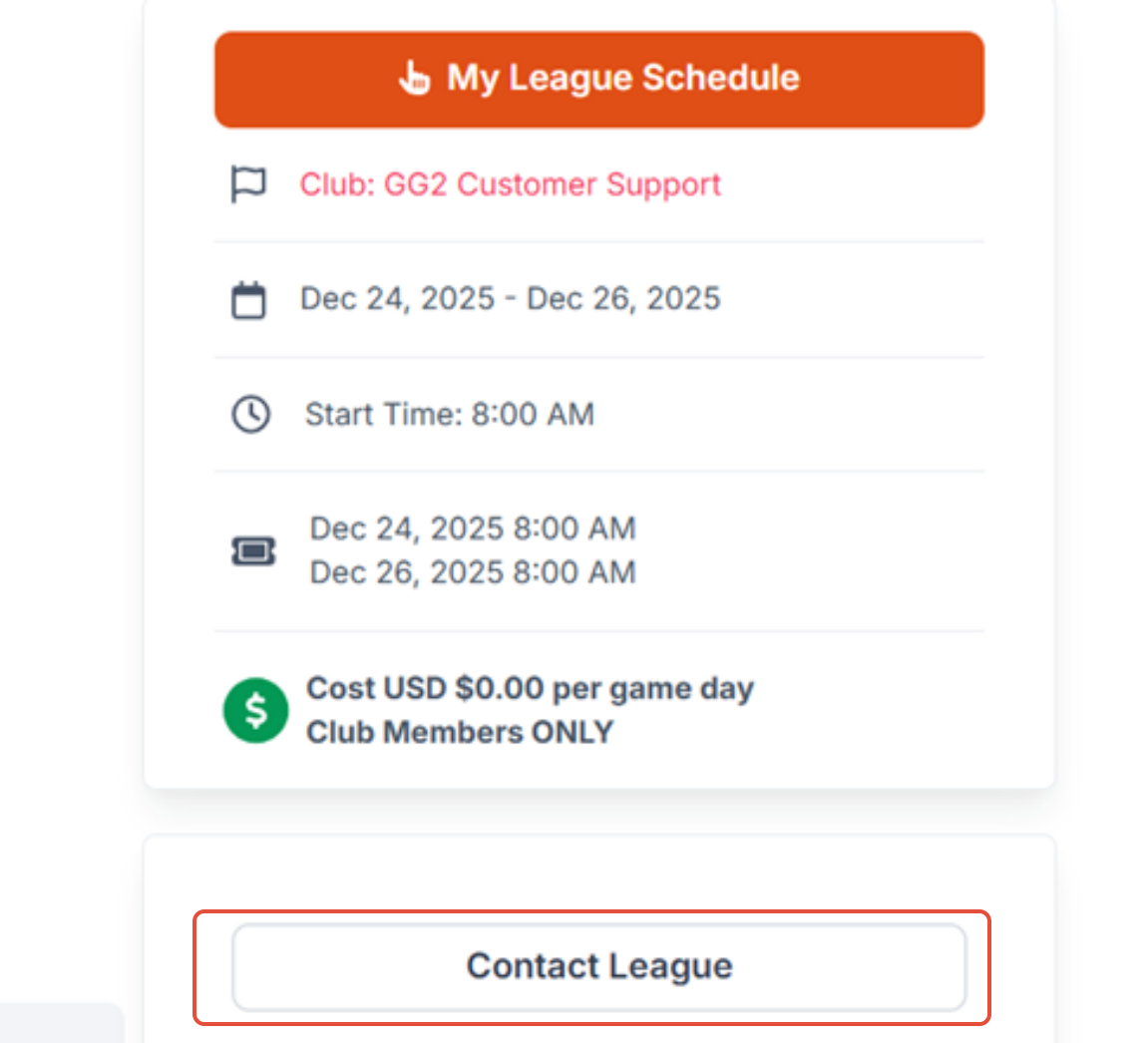
If you have questions about the league, please contact the League Director. Go to the league home page and click on the Contact League Tab. This will prompt you to send an email to the League.
Was this article helpful?
That’s Great!
Thank you for your feedback
Sorry! We couldn't be helpful
Thank you for your feedback
Feedback sent
We appreciate your effort and will try to fix the article