In your Tournament, head to the tournament menu, and then click "Edit tourney". Next, on the menu on the left select "Logo and Files":

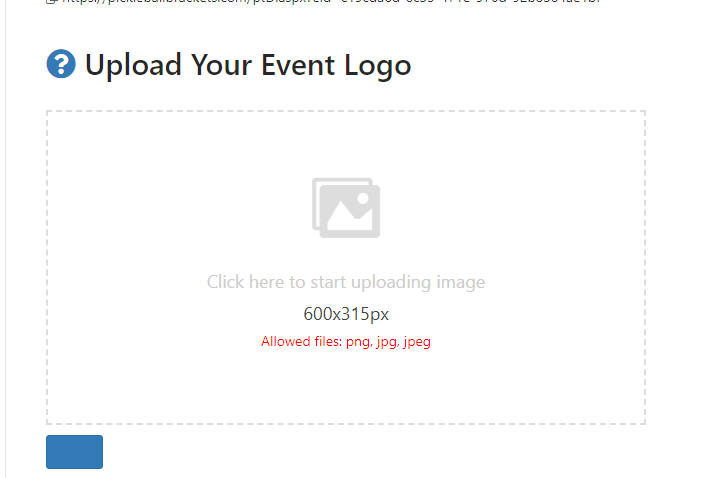
Once inside, click on the box to insert a logo, noting the specific dimensions and allowed files before your upload (600px by 315px).
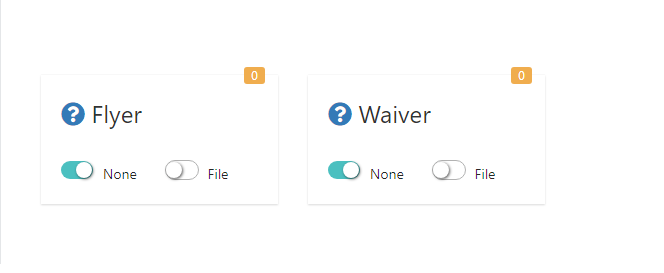
Under the logo area, you will see the place to add both a Flyer and Waiver. This is a PDF upload only. To upload the file, simply toggle the "File" to on, and then drag and drop your waiver. If you upload a waiver, players will not be able to get past registration payments without acknowledging both your and our waiver.
Was this article helpful?
That’s Great!
Thank you for your feedback
Sorry! We couldn't be helpful
Thank you for your feedback
Feedback sent
We appreciate your effort and will try to fix the article