TABLE OF CONTENTS
- Log into your tournament, and select "Edit Tourny" from the 3 line menu:
- Once selected, scroll down to the section labeled "Show Public Date." Make sure this is post dated for your tournament to show to the Public.
If your tournament is not showing up to the public, this is the first thing to check, your show public date. Here are the instructions:
Log into your tournament, and select "Edit Tourny" from the 3 line menu:
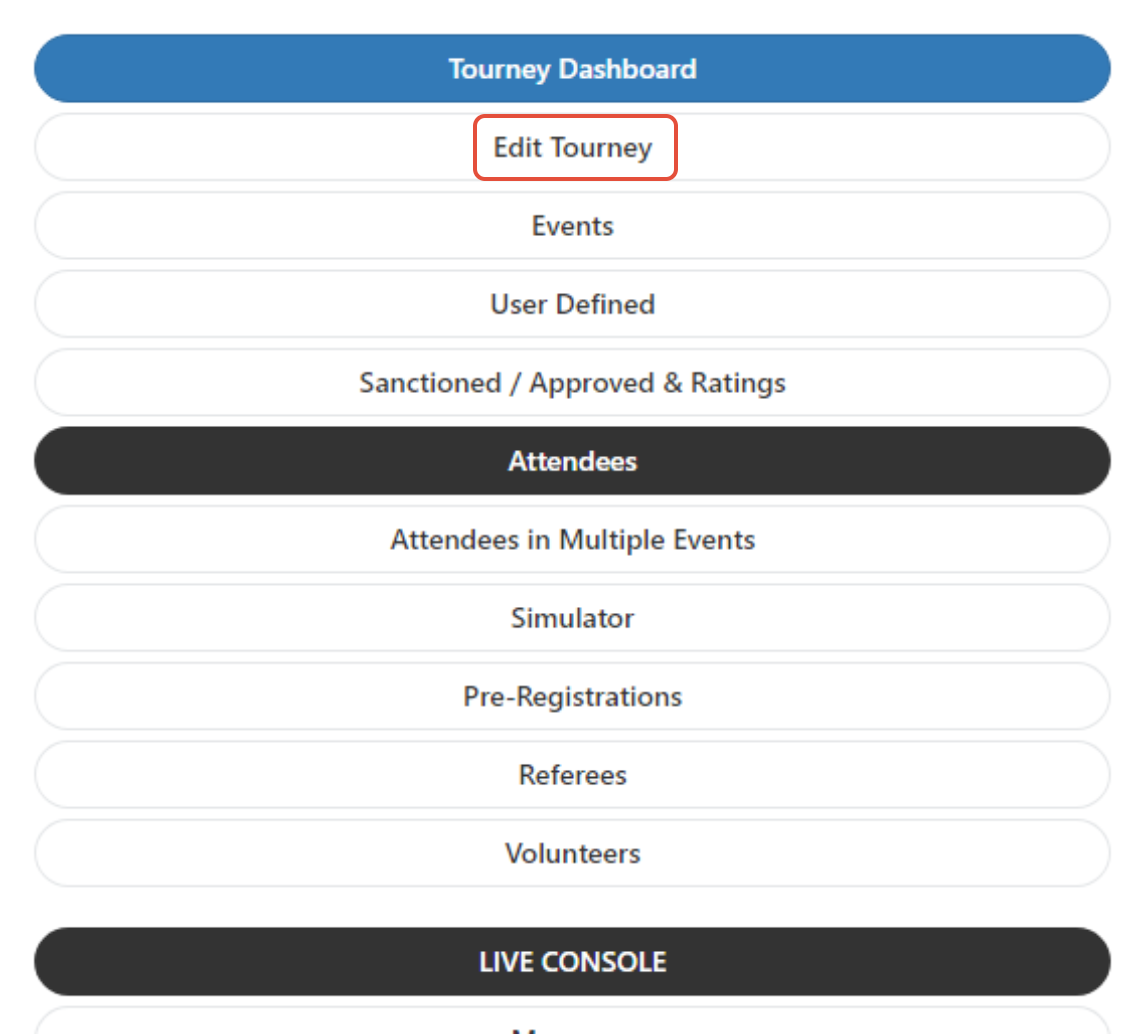
Once selected, scroll down to the section labeled "Show Public Date." Make sure this is post dated for your tournament to show to the Public.

Was this article helpful?
That’s Great!
Thank you for your feedback
Sorry! We couldn't be helpful
Thank you for your feedback
Feedback sent
We appreciate your effort and will try to fix the article