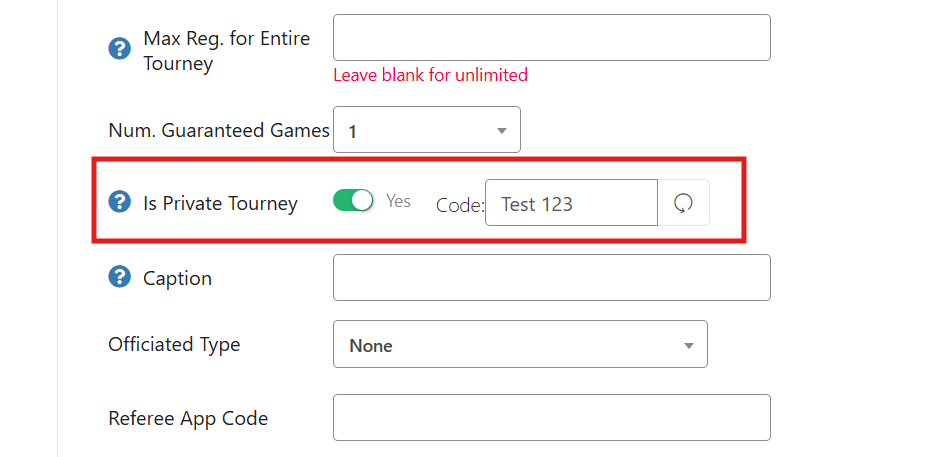
To set up a private tournament, head to your tournament listing and into the "Edit Tourney" tab. Scroll down until you find the "Is Private Tourney" section and toggle this to "Yes."
After turning this one, you have the ability to add in a personalized Code that you will provide to the player (or you can use the little arrow to the right for the system to generate one for you). This code can now be shared with any players you wish to be able to sign up for the tournament.
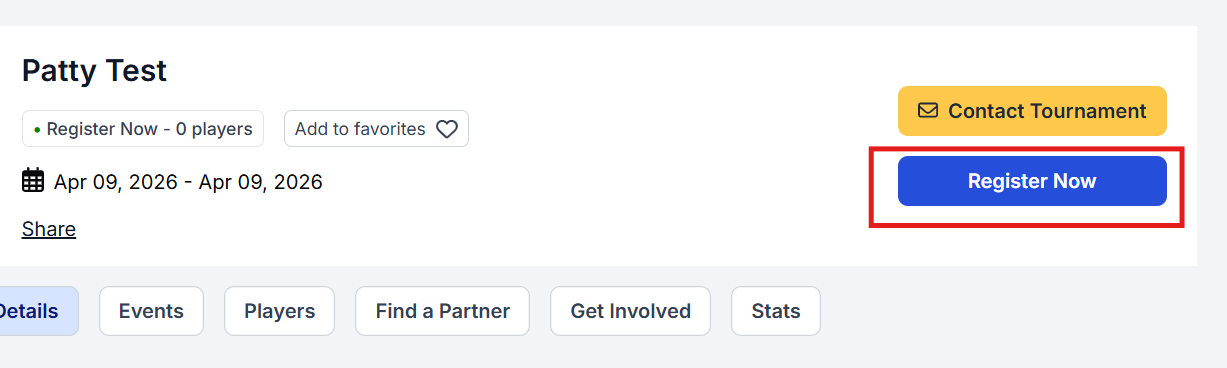
When the players head to the tournament listing, everything will appear as normal. They can click on the "Register Now" button to start the registration process.
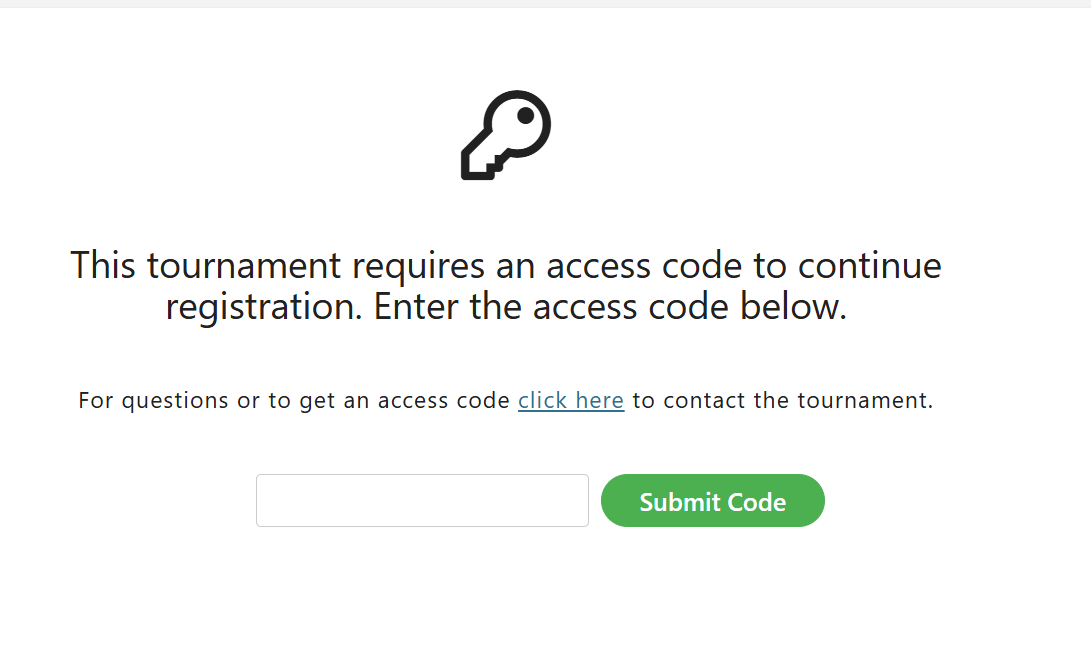
The first required step given to them during the registration process will be to enter the code. If they don't have the code, they can use the "click here" button to contact the tournament owner directly.
Was this article helpful?
That’s Great!
Thank you for your feedback
Sorry! We couldn't be helpful
Thank you for your feedback
Feedback sent
We appreciate your effort and will try to fix the article